Premium panels.By rule.And they compile.
Design a panel that looks like a pro terminal —and compiles on the first try.
Launch price · full 7-day refund, before you download
v1.3.1 · actively maintained · free updates for life
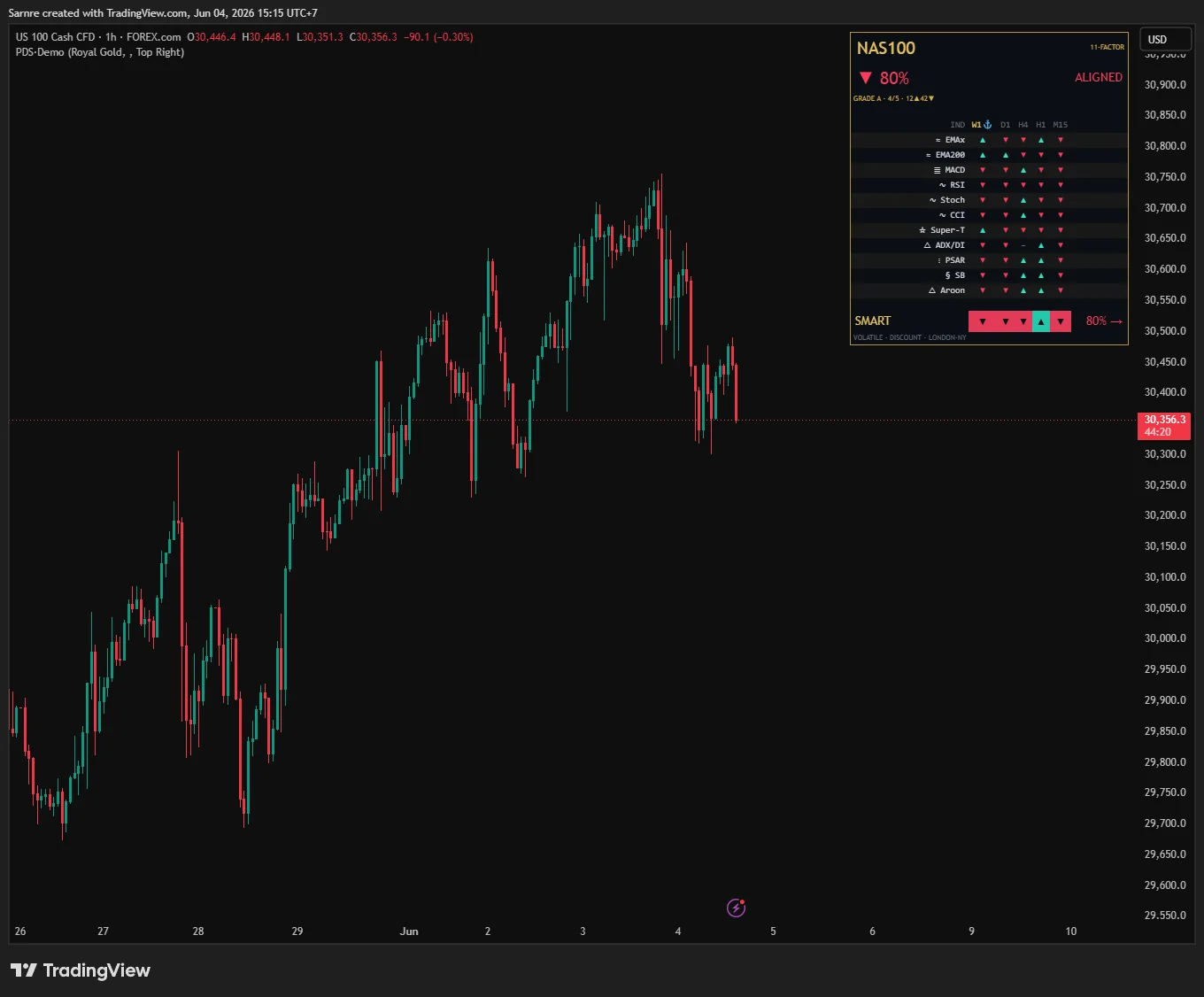
Pine Dashboard Studio · design panels like a product designer, not a coder
On-chart dashboards that look premium — and actually compile.
Most Pine dashboards are an afterthought — cramped, mismatched, unreadable. Dashboard Studio is a drop-in design kit: a real component library, a strict visual hierarchy and two premium themes, so any system's numbers render as a panel that reads at a glance. It styles what your system computes — it never changes what it trades. And it's designed the honest way — mocked in the browser and compared before a line of Pine, so the panel compiles first try.
See it work
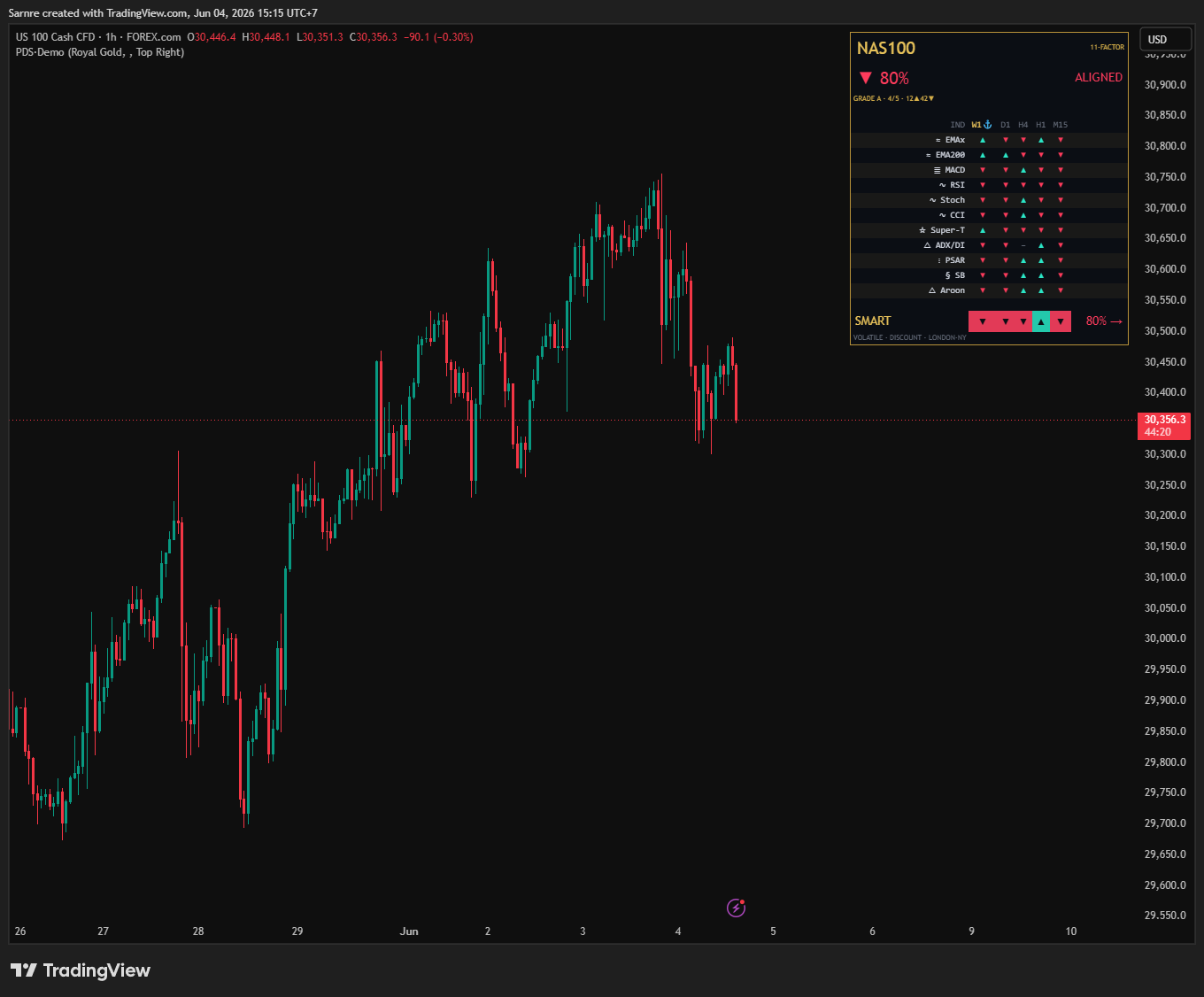
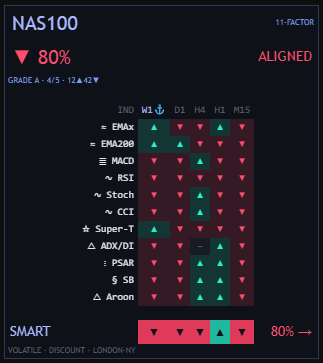
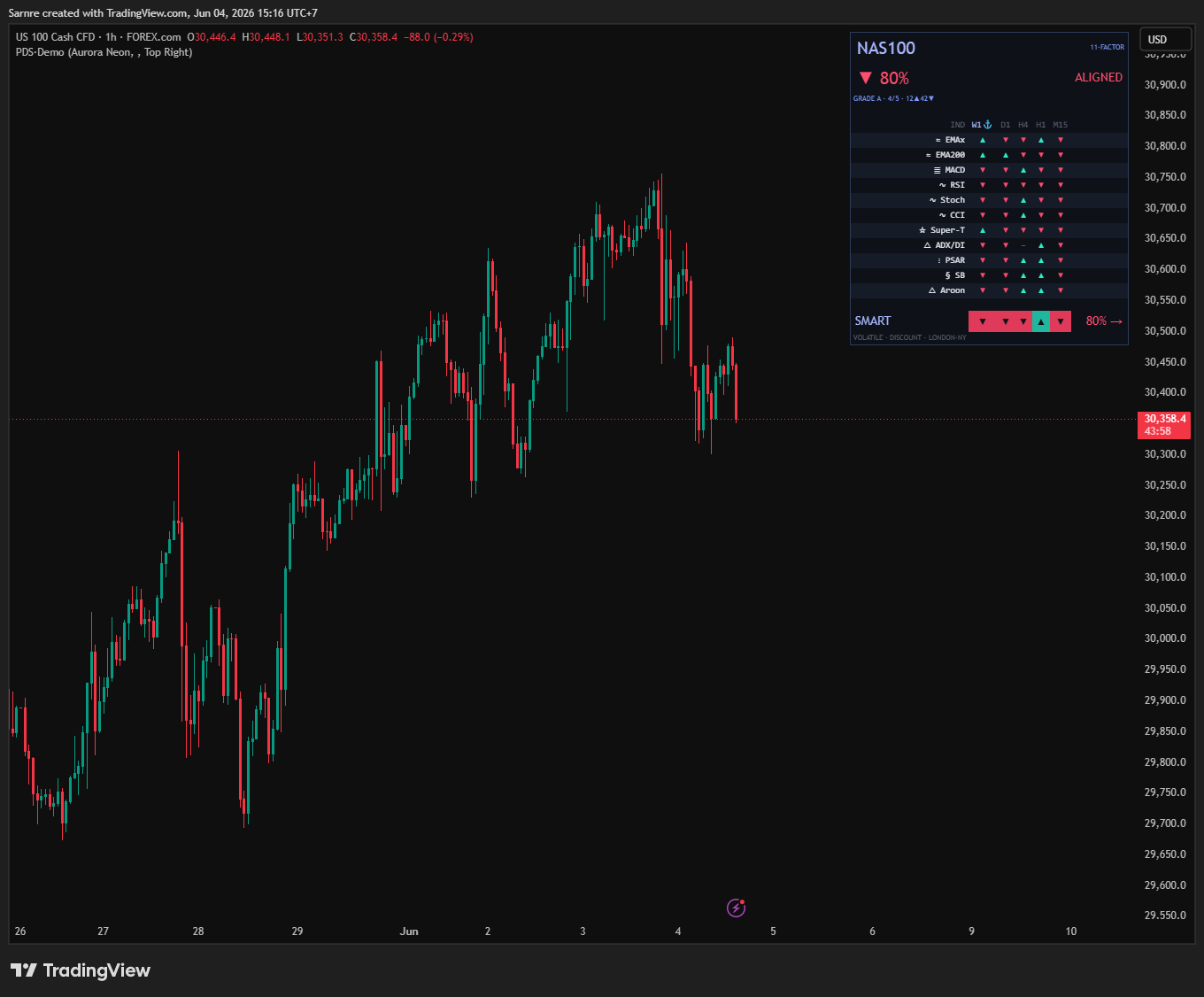
A real panel that reads at a glance — a big verdict, a clean matrix, a consensus bar — all from the drop-in component library.
Why it looks designed, not homemade
| A typical Pine panel | Dashboard Studio | |
|---|---|---|
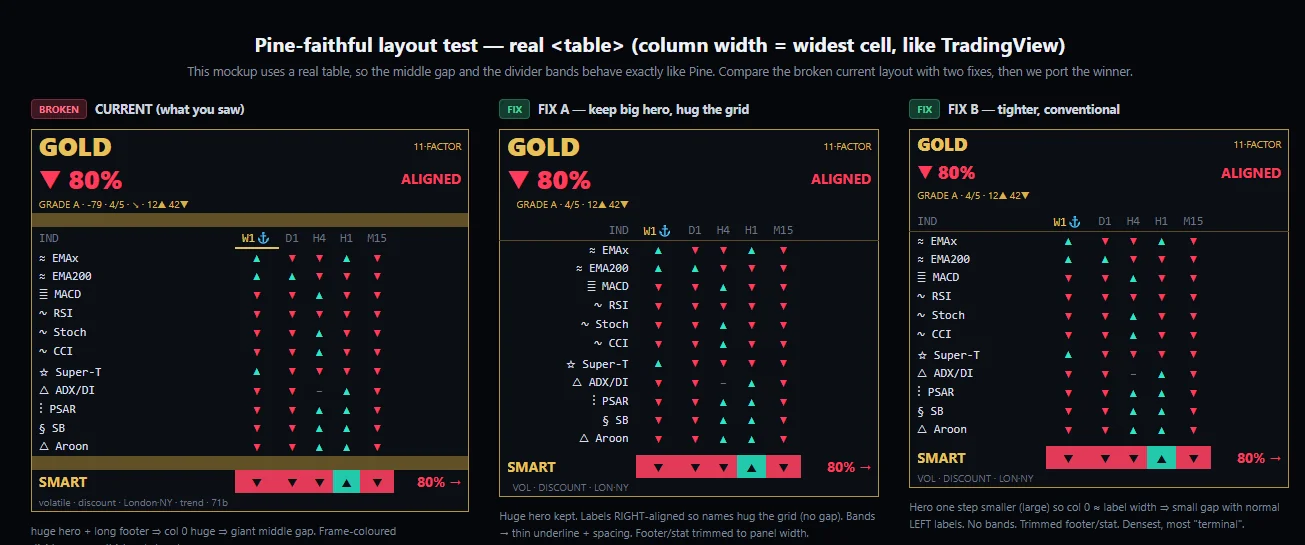
| Layout | columns drift; a long row wrecks the grid | one column = its widest cell, so the grid never drifts |
| Hierarchy | every number equally loud | a big hero verdict, a muted grade, a calm matrix |
| Readability | cramped, washed-out on a dark chart | monospaced, right-aligned, zebra-striped rows |
| Look | default grey tables | two premium themes with a gold or neon frame |
| Your edge | — | untouched — it styles your numbers, never your logic |
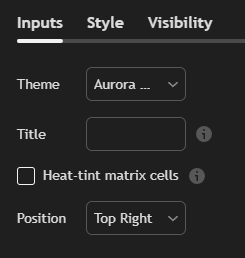
Choose your look
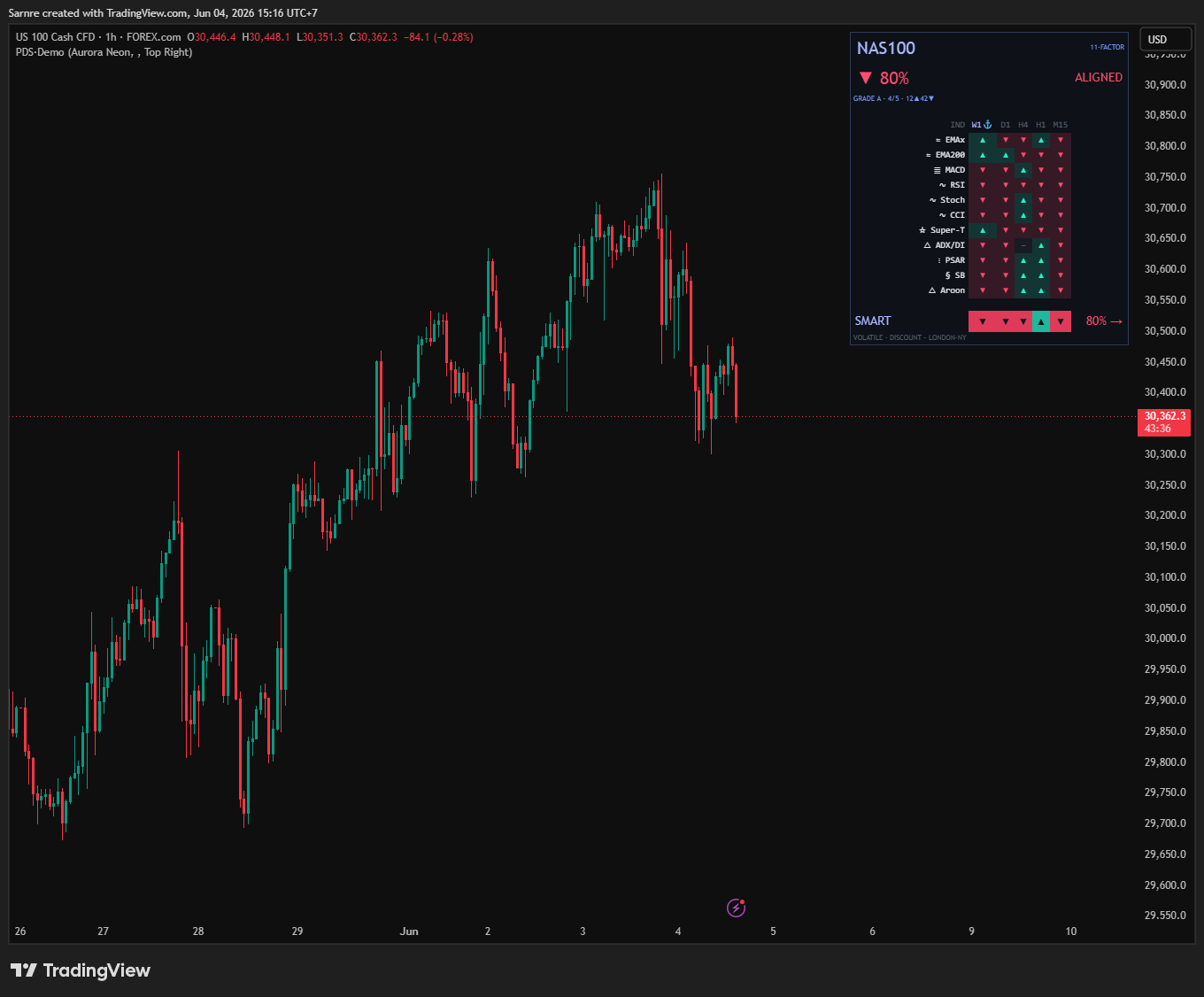
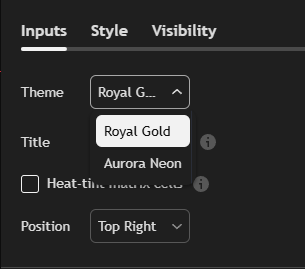
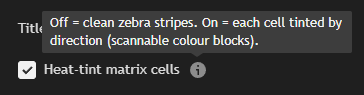
One dropdown swaps the whole palette; one checkbox turns the grid into a colour map. Same panel, your aesthetic.
It builds any panel
Not just a confluence matrix — the same component library and themes build any panel type you need.
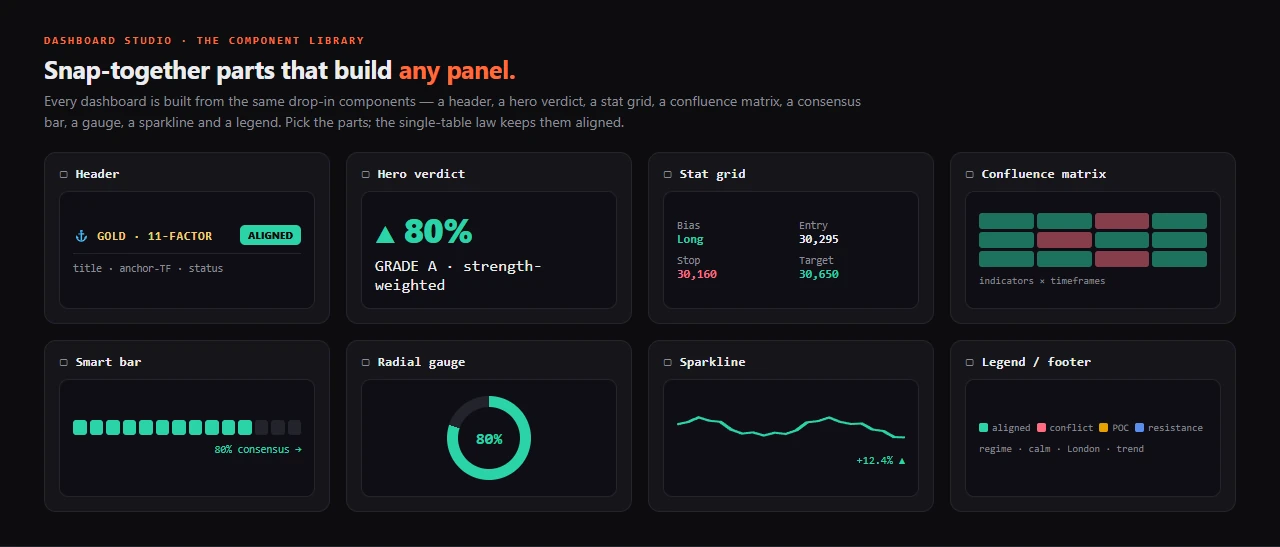
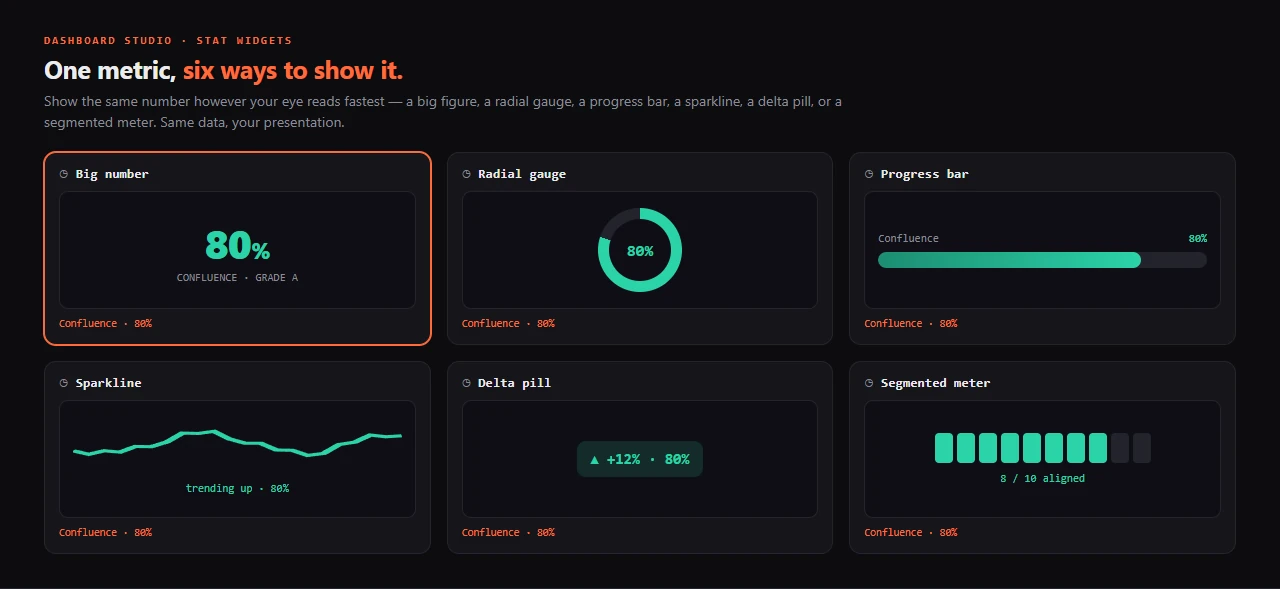
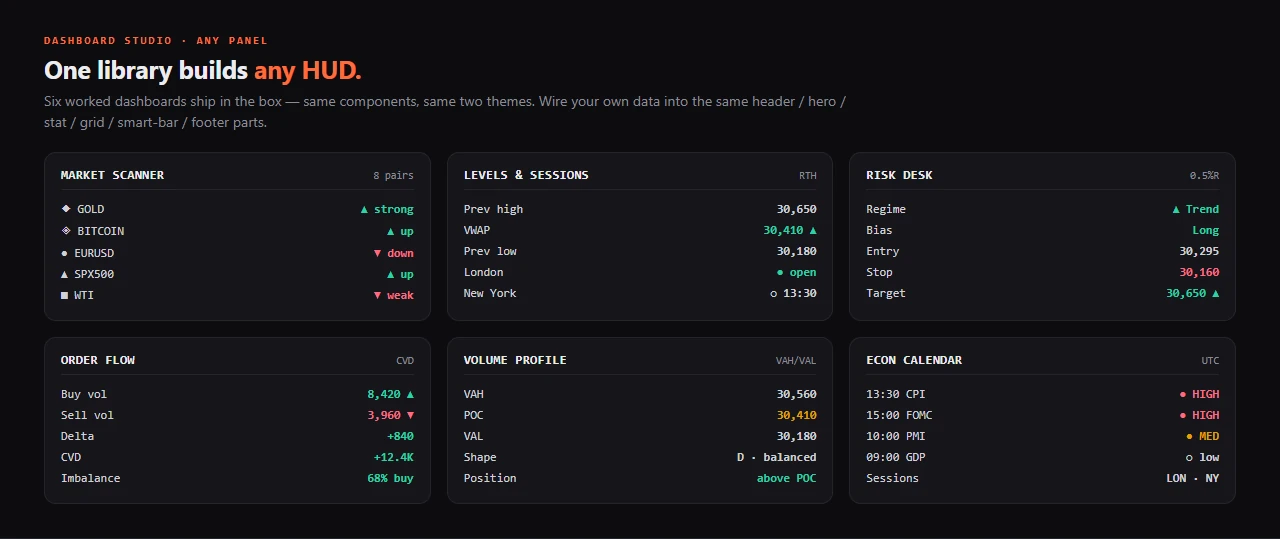
Six worked dashboards ship in the box
Same library, same two themes — proof the kit designs any panel, not one template:
| HUD | What it shows |
|---|---|
| Multi-symbol scanner | one row per symbol — scan a whole watchlist at a glance |
| Levels & sessions | the key levels and the active session, on one panel |
| Risk desk | regime, bias, entry / stop / target, account R |
| Order-flow | the order-flow read, distilled to a few rows |
| Volume-profile | value area, point of control, the profile shape |
| Econ-calendar | the next high-impact events, on-chart |
The honest ceiling — premium within Pine's real limits
Pine is a script, not a web page: no real glow, shadow, gradient, custom font or animation. Dashboard Studio names exactly that and builds the part that transfers — a disciplined palette, a real hierarchy and the single-table law (a column is as wide as its widest cell) — so the panel looks expensive and still compiles, instead of a mockup that never renders.
Want panels that look like this? Own Dashboard Studio — $49, refundable for 7 daysUse it & own it forever
A four-stage workflow that makes a premium panel compile first try — one file to run it in your AI, and the whole kit to keep.
Four stages — the cheap iterations happen first
It designs in the browser before it writes a line of Pine, so the panel compiles first try:
- 1 · SpecDecide what each row says and why — the data model on paper.
- 2 · Mock in HTMLA real table mock in the browser, where iterations are cheap — if it looks right there, it looks right on the chart.
- 3 · Port to PineA clean transcription into the component library with the theme toggle — not a debug session.
- 4 · VerifyIt compiles first try and matches the mock — each stage has a pass/fail gate.
How you run it — copy, paste, done.
# Open Claude / ChatGPT / Cursor / Gemini, then:
⤵  drop in:  START_HERE_AI.md

"Read START_HERE_AI.md and pine-dashboard-studio/SKILL.md, then design
 a 6-row risk dashboard in the Royal Gold theme — mock it in HTML
 first, then give me drop-in Pine table code."

→  it mocks the layout, then ships a panel that compiles first try.
What you can ask it to do
- “Design a panel from a spec”“A 6-row risk panel: regime, HTF bias, entry/stop/target, account R” — it designs and builds it.
- “Restyle this to Aurora Neon”It swaps the theme across the whole panel without touching the logic.
- “My table is misaligned — fix it”It applies the single-table law so the grid stops drifting and washing out.
- “Add a narrative row”A plain-language line that explains the system's current state — a translator, not a new signal.
What's in the box
- START_HERE_AI.mdThe one file you drop into your AI. It teaches the AI the whole kit — what to read, the rules it can't break, a ready first prompt.
- The skill + the v6 component libraryThe design system, the single-table law, the four-stage workflow and the real Pine components (header / hero / stat / grid / smart-bar / footer).
- Two themes + 6 worked panelsRoyal Gold and Aurora Neon, plus six built HUDs to start from.
- Optional Auto-Pilot (disclosed)Can drive real TradingView to inject → compile → self-fix → screenshot. Third-party, ToS-grey, your own account and risk — fully optional.
The moment you pay
- Instant accessPay by card, Google Pay or PromptPay and the kit is yours right away — one ZIP, link emailed too.
- Yours forever + free updatesNot a rental. No expiry, no seat check; every future version is free — email support@pulltrade.app.
- 7-day refund — before you downloadChanged your mind and haven't downloaded? Full refund within 7 days, no questions. Once you download, the window closes — files can't be returned.
Honest FAQ
The things you'd actually want to ask — answered without spin.
A design / visualization layer — it changes how information is displayed, not what it trades or its results. Pine can't glow, gradient, bevel, round corners, use a custom font or animate; the kit builds the part that transfers. The optional Auto-Pilot automates a third-party app (TradingView Desktop) via an undocumented interface — a ToS-grey area, your own account and your own risk, and it must never be wired to place orders.
Own every line — and extend it forever.
The full source, the AI-agent kit and free updates for life — yours the moment you pay.
Launch price · full refund within 7 days · own the source forever
Eleven tools.
One honest line.
The entire ProEA Lab Pine line in one pack — five indicators and six skills & kits, every Pine v6 source and every AI-extend kit. Build a system, validate it, render it, risk-gate it, then audit it — honestly, end to end.
Pine Dashboard Studio is a design / visualization layer for TradingView dashboards — not a strategy, a signal service, or financial advice. It changes how on-chart information is displayed; it does not generate trades and makes no claim about win rate, profit, or performance. The kit states plainly what Pine cannot render (no glow, gradients, bevels, rounded corners, custom fonts or animation). The optional Auto-Pilot add-on automates a third-party application (TradingView Desktop) via an undocumented interface — a grey area under TradingView's Terms; you use it on your own account at your own risk, it is provided as-is with no warranty, and it must never be wired to place real orders. Not affiliated with TradingView Inc. or Anthropic, PBC. Trading involves risk; forward-test and manage your own risk. © 2026 ProEA Lab.