Run it. Find the leak. Extend it.
Import your trades, see where your money goes in dollars, then open the full source and extend your own copy with your AI agent.
The steps, from download to your own extension
Unzip it — install one free thing
Unzip the download. TradeLens needs only Python installed (free, one time — on Windows tick “Add python.exe to PATH”). It sets up everything else by itself.
›_python.org · tick “Add to PATH”Double-click the launcher
Double-click START-HERE.bat (Windows) or start-here.command (Mac). The first run sets itself up in about a minute, then opens TradeLens in your browser — no account, no login. Keep the little black window open while you use it.
›_opens http://127.0.0.1:8742Load the demo, or import your trades
On the first screen, click Load demo data for a 426-trade sample to click through — or open Import and add your own MT4 / MT5 / CSV. The demo stays separate; Settings → Start fresh clears it anytime.
›_Load demo data · or Import MT4 / MT5 / CSV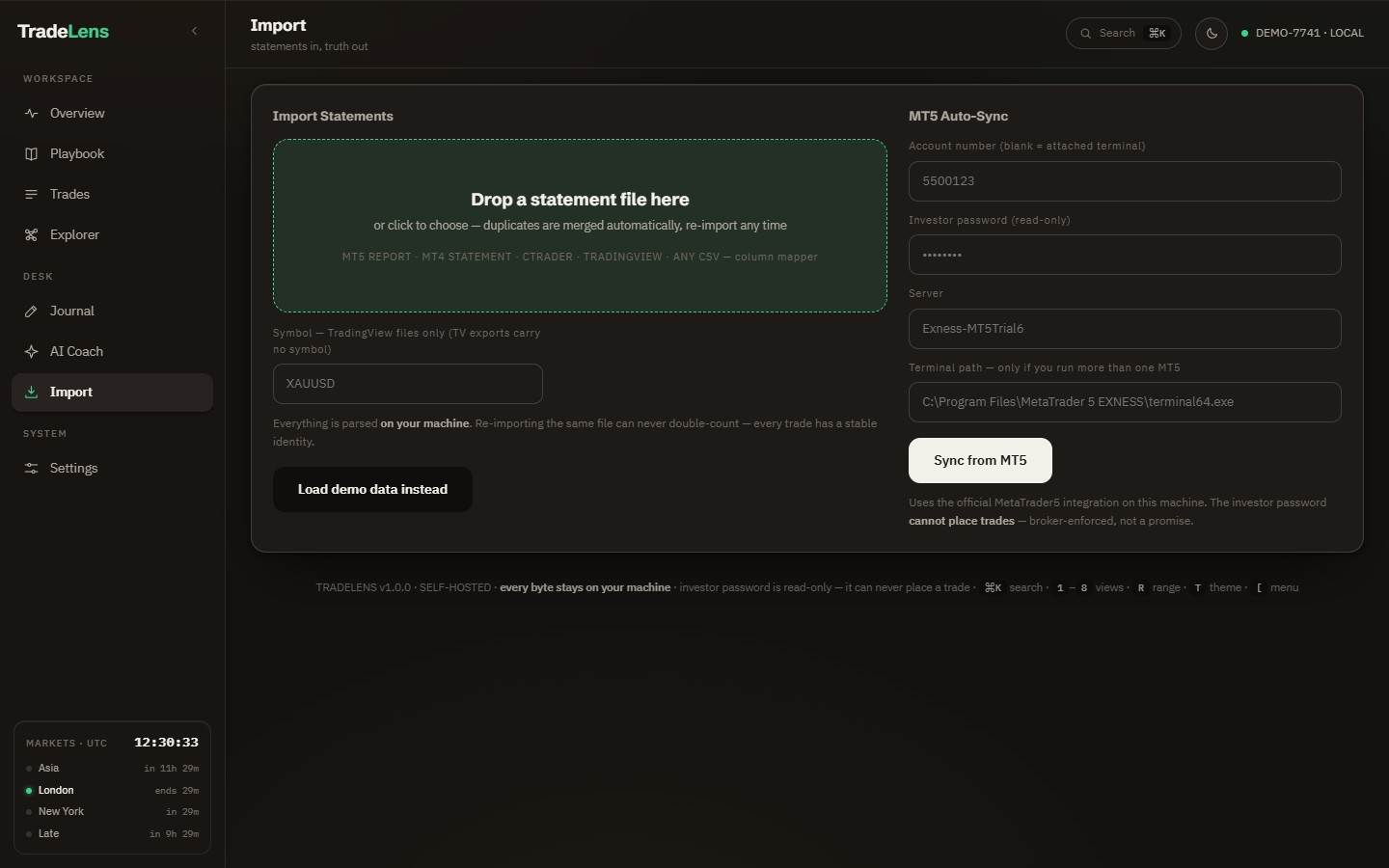
Find the leak — in dollars
See your strongest edge, your #1 leak, and what your worst habit costs — each priced per month, computed from your real trades. The number you can’t argue with shows up first.
›_#1 leak · priced per month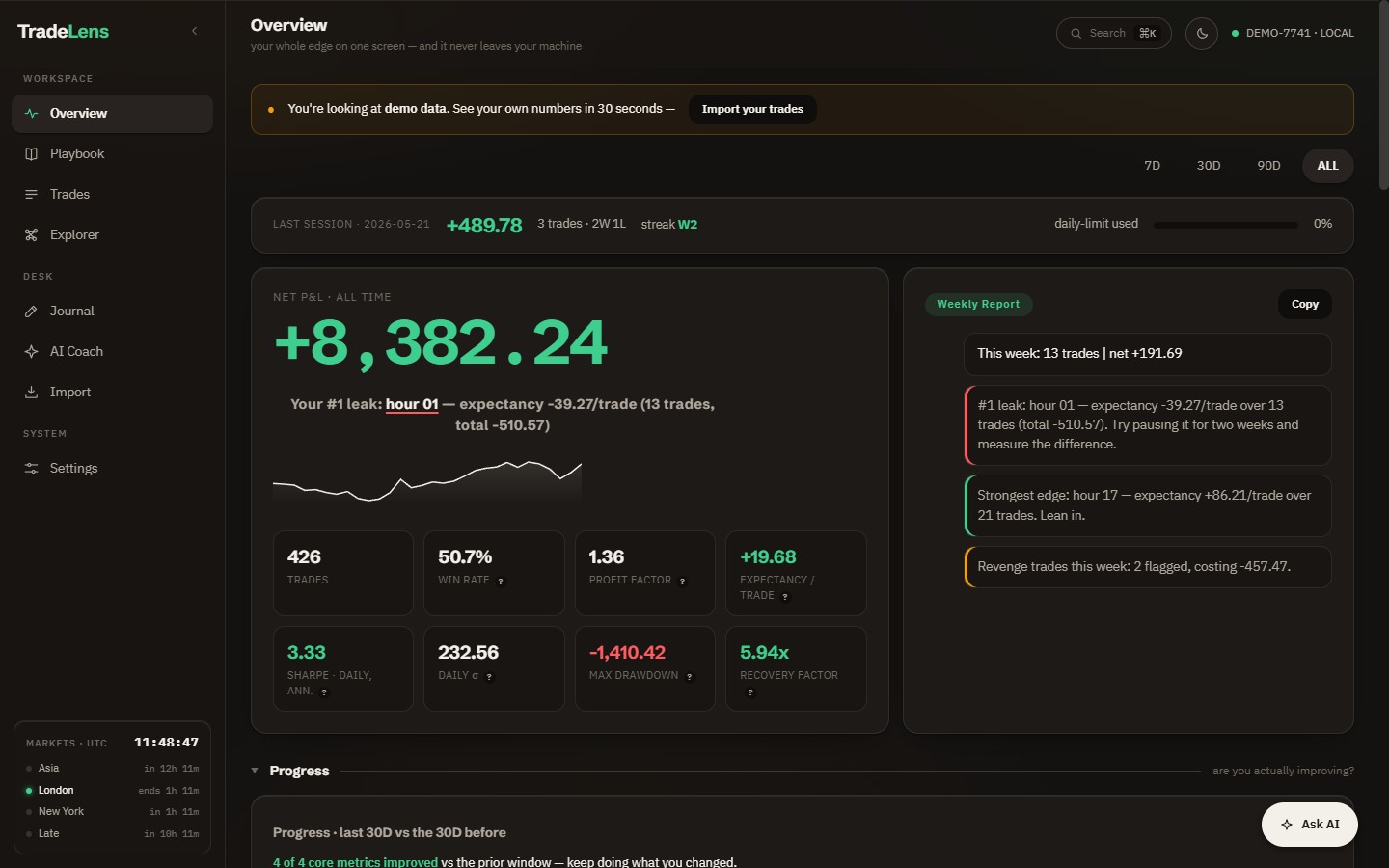
Turn on the AI coach — local or external
Optional. Run scripts/setup-local-ai.ps1 (Windows) or .sh (Mac/Linux) — it installs Ollama and pulls the bundled model (llama3.2:3b, ~2 GB once). With this local Ollama setup, coaching runs on your machine without an API key.
To use Claude, OpenAI or Gemini instead, add your key in Settings → AI Coach. Your prompts, recent conversation and relevant account context are sent to the selected provider.
›_setup-local-ai.ps1 · or paste an API key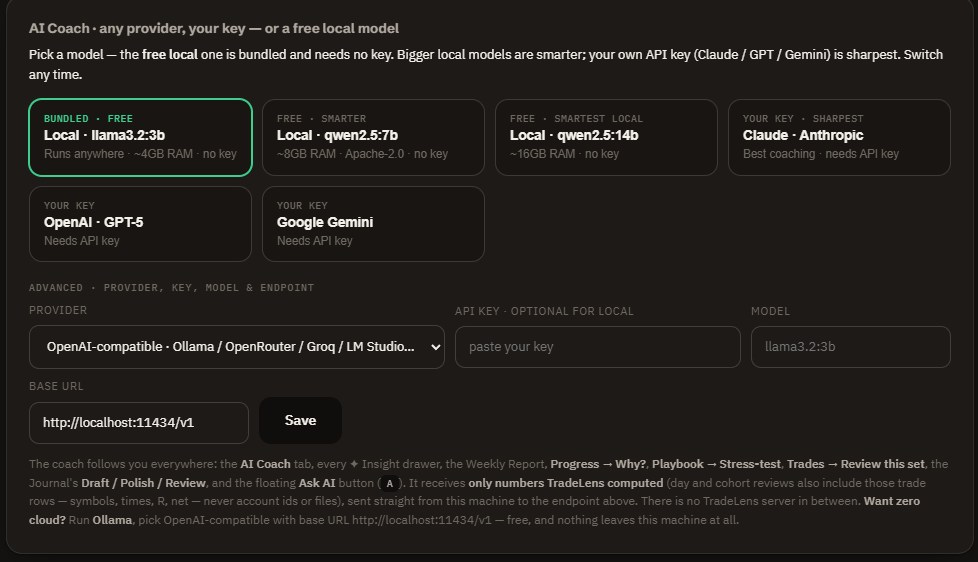
Ask the coach — get exact numbers back
Ask your account anything in plain English. The local AI coach answers with figures TradeLens already computed — never a guess — and hands you a button straight to the trades behind them.
›_what should I stop trading this week?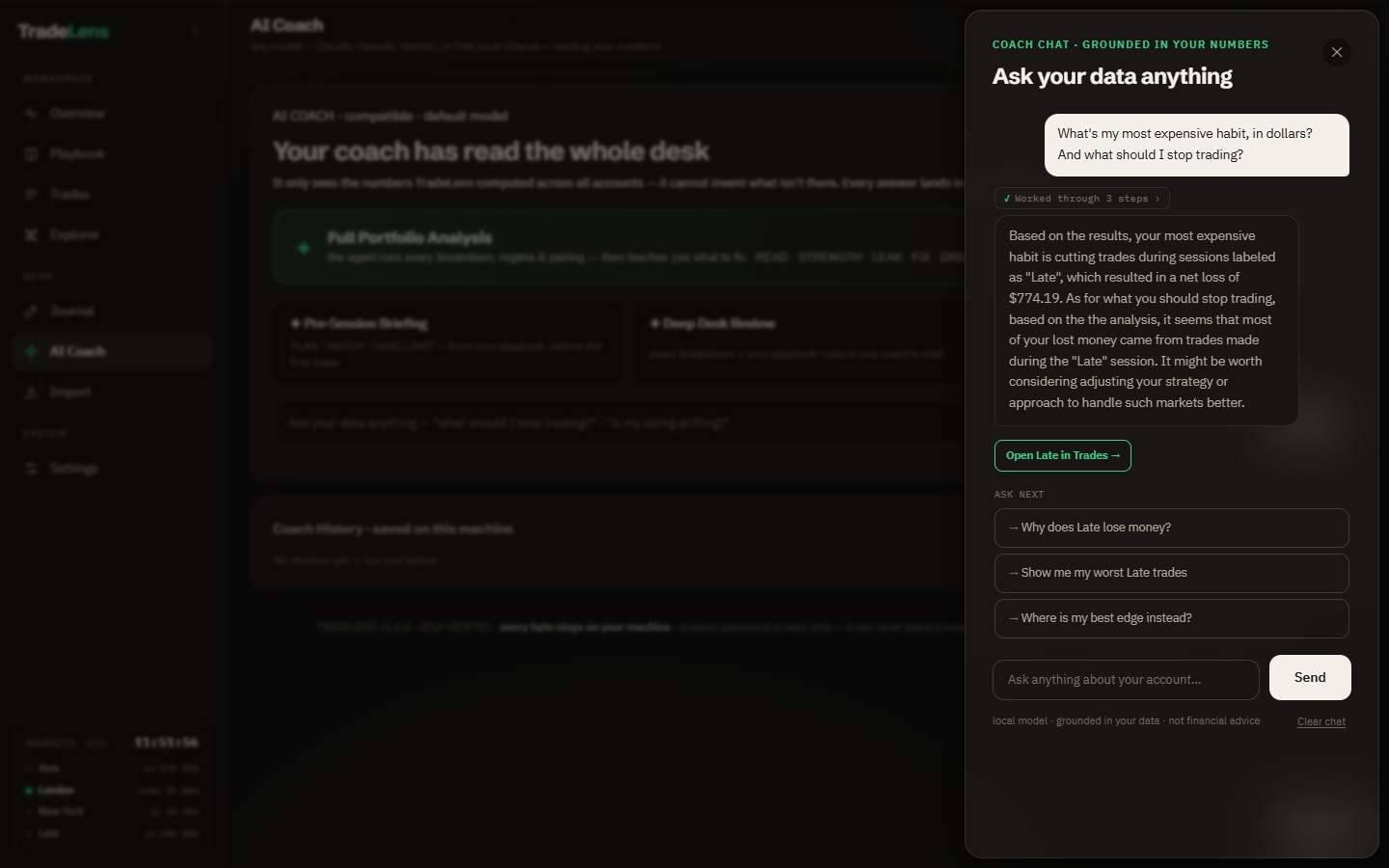
Extend the source — with your AI agent
You own the full codebase. Open it in Claude Code or Cursor, hand over AGENTS.md, and add your own KPIs, connectors, reports or a prop-firm risk module. The 92 tests keep the numbers honest while you build.
›_add a prop-firm daily-loss risk viewYou’re not buying a login. You’re buying the codebase.
Use it as a private trade desk today — or as a real codebase your AI agent can build on tomorrow. Not a template, not a prompt pack — a working local app with source, tests, docs and a demo database.
Run the app. Import trades. Ask the coach. The whole desk works with zero code.
Open the source, give AGENTS.md to Claude Code / Cursor, and extend your own copy.
What you can ask TradeLens
No query language. Ask your account the way you’d ask a mentor — it answers from your real numbers.