Is LuxAlgo worth it for a trader?
LuxAlgo may be worth a subscription if you want a charting platform, an AI coding agent and a broad indicator library in one place. Its free plan has no time limit, so test it on a repeatable task first. Paid plans cost $24.99 to $119.99 a month on the pricing page we checked on 3 October 2026. Over three years, month to month, that is $899.64 to $4,319.64. If what you need is one indicator's readable source, check that exact product: LuxAlgo's TradingView plug-ins, generated Pine code and free Library have different access models. Neither a subscription nor a source-code purchase establishes a trading edge.
Disclosure: ProEA sells competing TradingView tools. This is a review of public product documentation, not a paid-account performance test. We do not know whether LuxAlgo improves its customers' trading results. LuxAlgo also has an affiliate program; that alone tells you nothing about an individual reviewer's accuracy.
What does LuxAlgo cost? (checked 3 October 2026)
These are the numbers on LuxAlgo's pricing page on 3 October 2026, before tax. The two 3-year columns are our arithmetic on those numbers, nothing more.
| Plan | Month to month | Annual billing | 3 years, month to month | 3 years, annual billing |
|---|---|---|---|---|
| Free | $0 | $0 | $0 | $0 |
| Essential | $24.99/mo | $224.91 first year, then $299.88/yr | $899.64 | $824.67 |
| Premium | $39.99/mo | $335.92 first year, then $479.88/yr | $1,439.64 | $1,295.68 |
| Ultimate | $59.99/mo | $431.93 first year, then $719.88/yr | $2,159.64 | $1,871.69 |
| AI Ultra | $119.99/mo | $647.95 first year, then $1,439.88/yr | $4,319.64 | $3,527.71 |
Two caveats. The annual first-year prices were a promotion that the page said would end within days of our check. LuxAlgo's FAQ says sale prices apply to the first payment and renewals bill at the then-current standard rate, so a later buyer may pay more in year one.
What the money buys, per the same FAQ: Essential adds the full Library, live CME futures data, 30 days of orderflow lookback, 50 strategy alerts and 2,000 monthly AI credits. Premium raises those allowances and adds webhook automation. Ultimate and AI Ultra add more credits, longer orderflow history and more alerts.
Three years of rent versus one payment
For scale, our Complete Suite is $97, paid once. It includes our 11 Pine v6 tools with full source (5 indicators and 6 build kits) and the rest of our catalog. That is less than four months of Essential paid month to month.
It is not the same product. A LuxAlgo plan pays for a charting platform, market data, orderflow tools, AI credits and features as they ship. Our $97 buys source files you keep, with nothing hosted. Price the job you need done, not the sticker. If the job is "draw order blocks on my chart", LuxAlgo's free Library is a $0 route and ours is a one-time one, covered next.
Which LuxAlgo-style jobs have free open-source tools?
Check whether a free tool with readable source does the job before paying either of us. LuxAlgo's own free Library is one place to look, and TradingView's community scripts are another. Ours are not free: each of these comes with its full Pine source in Pine Pro Library, one payment for all of them:
| Chart job | ProEA tool (Pine Pro Library) | What it does |
|---|---|---|
| Order blocks and fair value gaps | SMC Basics | Tracks zones left by a move until they break |
| Volume by price | Volume Profile Lite | Shows the busiest price and the value area |
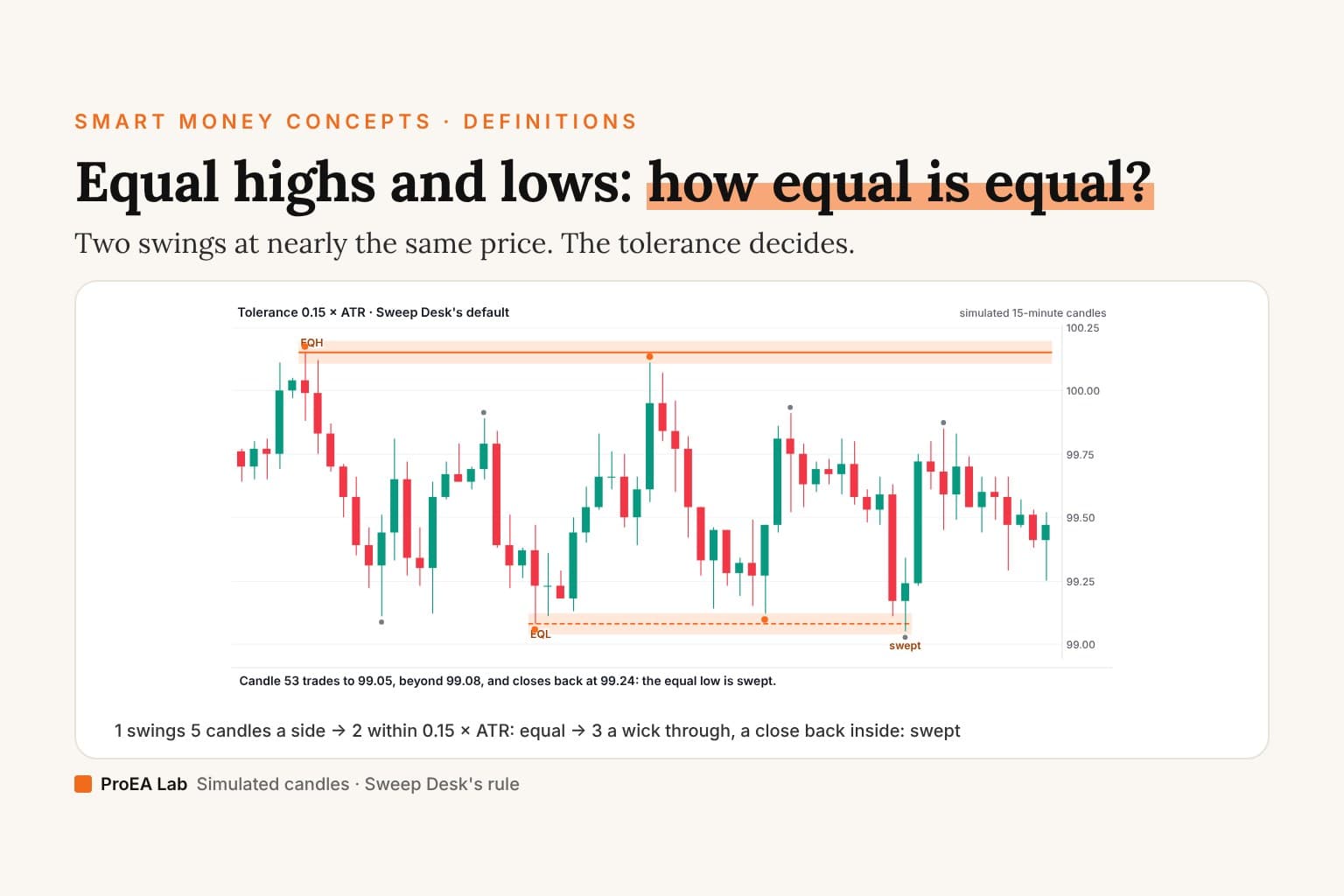
| Liquidity sweeps | Sweep Desk | Checks a move through a level, with explicit entry checks |
| Gaps that flip role | IFVG Desk | Logs why each setup was taken or skipped |
| Supply and demand zones | Supply & Demand Desk | Marks zones on intraday charts |
| Session levels and opening gaps | ICT Levels Desk | Tracks opens, prior highs and lows, and gaps, each with its state |
They are not copies of LuxAlgo's indicators and won't match them feature for feature. Each page shows the tool on a real chart and states its limits.
What does LuxAlgo include now?
LuxAlgo now runs its own browser charting workspace, Vela, and Quant, an AI agent that writes Pine Script. Its FAQ says you can open generated code in Vela to review or edit it, and copy it to run elsewhere. Describing the entire product as a collection of unreadable TradingView scripts would miss that distinction.
For a useful trial, choose a task such as marking the same session levels or checking the same entry rule each day. Record whether the tool saves time, makes your rules clearer and remains understandable when a setup fails. Adding more indicators is not itself evidence that a workflow improved.
What do you own, and what ends when you cancel?
These are separate questions:
| What you use | What to verify |
|---|---|
| TradingView toolkit plug-ins | LuxAlgo's access guide places these in Invite-only Scripts. TradingView defines that publication type as one where only the author can see the source. |
| Pine code generated for you | The FAQ says you can review, edit and copy it. This differs from the source of LuxAlgo's pre-existing toolkits. |
| Free Library or open-source projects | Read the license of the individual script or project before modifying or redistributing it. |
| Hosted platform features | Check what your plan includes and what remains available on the free plan. |
LuxAlgo's FAQ says that when you cancel, you keep access until the end of the period you've paid for and won't be charged again. Its Terms of Service assign you the output generated for you, with exclusions for third-party material. Paid access ending does not mean every piece of code you generated becomes unreadable or unowned.
For invite-only scripts, the source restriction comes from TradingView's publication model. It does not demonstrate that a tool is inaccurate. Source access lets you inspect implementation; output testing still matters with either model.
What should you check about billing?
LuxAlgo's Terms and FAQ give a 30-day money-back guarantee on the first subscription payment, once per customer. Renewals, plan changes, credit packs and gifts are excluded. Promotional prices apply to the first payment, and renewals bill at the standard rate. Read the current account terms and record your renewal date.
Compare like with like: a monthly plan's 36-payment total, an annual plan's first payment plus renewals, and a one-time download are different purchases. Include any separate data, platform or model-provider costs you will actually use.
How do we check an indicator for repainting?
We run the same four checks on any indicator, ours included:
- Freeze. Screenshot the right edge with the version, inputs and time visible.
- Reload. Let several bars close, reload the chart and compare the same window.
- Replay. Step through and note when each marker first appears, not just where it is drawn.
- Alert receipts. Set once-per-bar-close alerts and compare their times with the chart.
With readable source you can also look for higher-timeframe requests that read ahead and for markers plotted into the past. LuxAlgo's FAQ says a signal is confirmed when its candle closes and its Strategy Alerts fire only on confirmed events; for invite-only plug-ins, chart behavior is the evidence you can check. The full method is in our repainting guide.
This review does not certify any LuxAlgo tool's repainting behavior. Save the settings and version, compare confirmed signals in replay and forward observation, and include spread, commission and execution assumptions in any strategy test. Historical output is not a live account record.
When should you choose each approach?
Consider LuxAlgo when an integrated charting workspace, generated strategy code, orderflow tools and a wide range of indicators fit your workflow. Start free, then identify the exact limit that would justify a paid plan.
Consider ProEA's Pine v6 tools when you want the source of a specific supplied indicator, can evaluate its rules and prefer a one-time purchase option. Our SMC toolkit is a narrower product; it does not replace LuxAlgo's platform. Source ownership still requires you to test the tool and manage risk.
Comparing other subscription suites? Our ChartPrime and Zeiierman comparisons use the same method. If you want an AI to write Pine for you, we compare Pineify with Pine Builder Lite. The LuxAlgo side-by-side keeps this article's purchasing questions in one table.
Sources and corrections
Reviewed on 3 October 2026, using the official pages linked beside the claims above. This update adds LuxAlgo's current plan lineup (Free, Essential, Premium, Ultimate and AI Ultra) and the prices its pricing page showed that day. Our 7 September version named the plans without prices because the page did not display them to our tools. Prices, limits and terms can change. Send corrections to support@pulltrade.app.