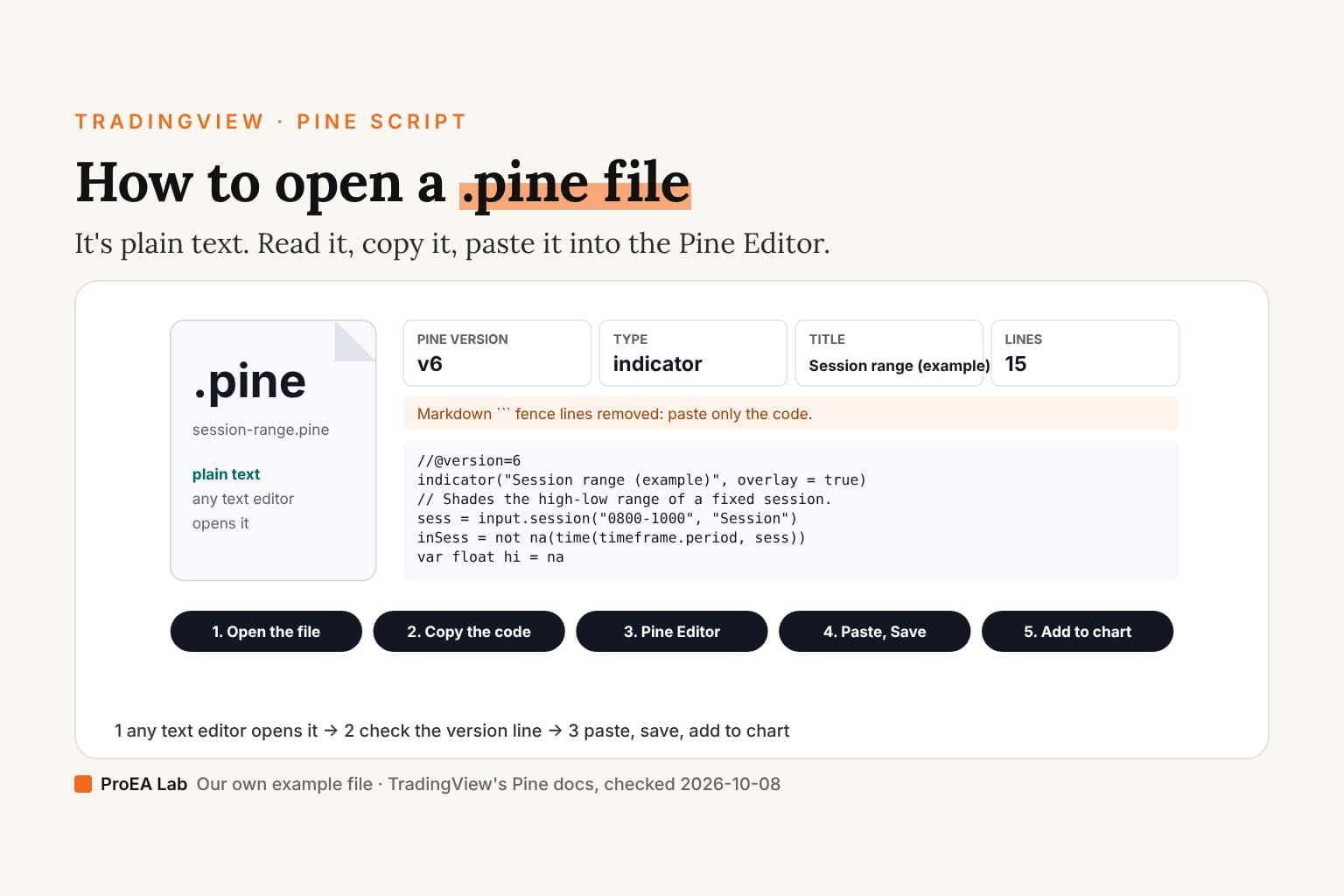
- Pine version
- v6
- Type
- indicator
- Title
- Session range (example)
- Lines
- 15
It had Markdown ``` fence lines, copied from a chat or a web page. They're removed below; paste only the code.
//@version=6
indicator("Session range (example)", overlay = true)
// Shades the high-low range of a fixed session.
sess = input.session("0800-1000", "Session")
inSess = not na(time(timeframe.period, sess))
var float hi = na
var float lo = na
if inSess and not inSess[1]
    hi := high
    lo := low
else if inSess
    hi := math.max(hi, high)
    lo := math.min(lo, low)
plot(inSess ? hi : na, "High", color.teal, style = plot.style_linebr)
… 1 more lines- 1. Open the file
- 2. Copy the code
- 3. Pine Editor → new script
- 4. Paste over the template, Save
- 5. Add to chart
The example file is ours, written for this page. The reader checks the version line and the declaration; it doesn't compile the code. That's the Pine Editor's job.
What's inside
A Pine script needs one declaration. Its version annotation is optional: without it Pine assumes version 1. The annotation can appear anywhere in the script; TradingView recommends putting it at the top. See TradingView's script structure page, rechecked 2026-10-15:
| Line | What it says | If it's missing |
|---|---|---|
//@version=6 | The Pine version, 1 to 6 | Pine assumes version 1 |
indicator(...), strategy(...) or library(...) | What the script is, and its title | It isn't a whole script |
The opener performs limited text checks. It can identify a version annotation and a recognizable declaration, but it doesn't prove there is exactly one declaration or that the script compiles. Use Pine Editor for compiler errors.
A v5 file still runs. To upgrade it, the Pine Editor's Manage script → Convert code to v6 works when the v5 code compiles (migration guide, checked 2026-10-08).
The three ways a paste fails
- Fence lines. Code copied from a chat or a web page often arrives wrapped in
```lines. They aren't Pine; delete them. - Missing declaration. A complete script needs one declaration. If this reader can't identify it, check the source in Pine Editor: unrecognized syntax doesn't by itself prove you copied a fragment.
- Pasted next to the template. A new script opens with example code. Select all of it, then paste, so only your code remains.
Use itOpen the file in a text editor first and look for its version annotation and declaration.
Watch outDouble-clicking a .pine file may offer you no app at all; that doesn't mean it's broken.
Then onto the chart
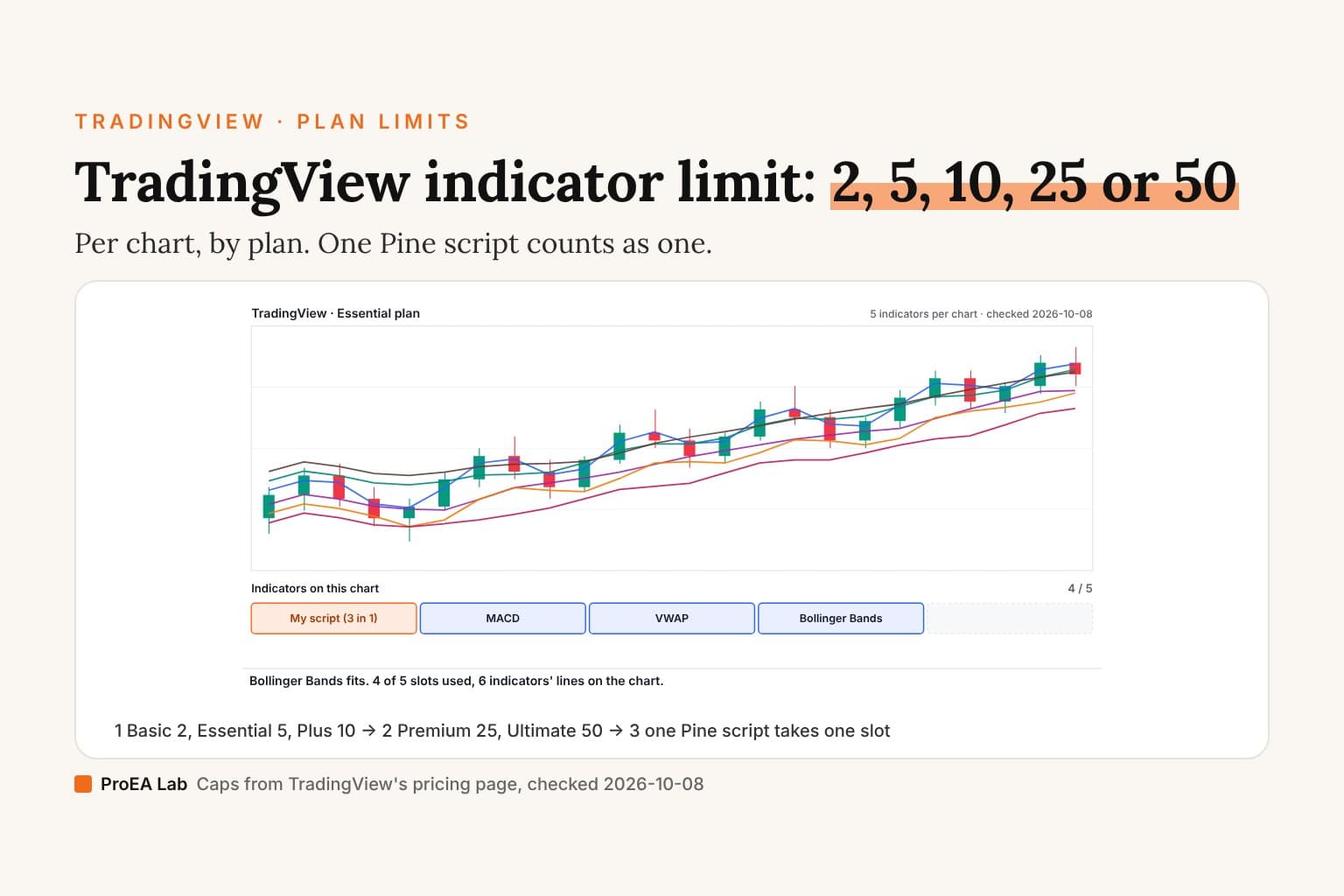
The full click path, with the Pine Editor's current position and the phone route, is in how to add Pine Script to TradingView. If the chart refuses the script, you may be at your plan's indicator limit.
Not a file to upload: text to paste.Frequently asked questions
What is a .pine file?
A plain-text file holding Pine Script source code, TradingView's scripting language. The .pine ending is a naming convention; the content is ordinary text you can read in any editor.
How do I open a .pine file?
With any text editor: Notepad, TextEdit, VS Code. Or open it in the opener on this page, which reads it in your browser. If your computer asks which app to use, pick a text editor.
How do I upload a .pine file to TradingView?
You don't upload the file; you paste its code. Open the Pine Editor, start a new script, select all of its template, paste the code over it, save, then click Add to chart.
Why won't my .pine file compile in TradingView?
Compile it in Pine Editor to get the actual error. Remove Markdown fence lines and replace the editor template rather than appending to it. This opener only reads a version annotation and a recognizable declaration and warns about a few paste issues; it does not compile the code or prove there is exactly one declaration.
What does //@version=6 mean at the top of the file?
The Pine version the script is written for. The annotation is optional: without it Pine assumes version 1. It can appear anywhere in the script, though TradingView recommends putting it at the top. A v5 script still runs; the Pine Editor's Manage script → Convert code to v6 upgrades it if it compiles.