An MT5 template (.tpl) is a saved chart setup: you load it from the chart's Templates menu, and MT5 keeps it in MQL5\Profiles\Templates. It stores each indicator's settings, not the indicator, so a custom indicator it names only shows up if that indicator's .ex5 is already installed. The opener above lists what a template carries and which files it needs. We read MetaQuotes' templates help and the template and chart-profile files in our own MT5 terminals on 2026-10-24.
What's in an MT5 template?
Everything about how a chart looks and what runs on it. MetaQuotes' Templates and Profiles help lists: chart type and colours, the colour scheme, chart scale, the OHLC line, a running Expert Advisor and its parameters, custom and technical indicators with their settings, graphical objects, and day separators.
A template isn't tied to the symbol it was saved on. In MetaQuotes' words, "settings stored in it are applied to the instrument and timeframe" of the chart you load it on, so a setup made on gold works on EURUSD too.
Inside, a .tpl is plain text. The ones MT5 wrote on our machines are UTF-16 text in nested blocks: a <chart> block for the chart, a <window> block per pane, an <indicator> block per indicator with its name and path, and an <object> block per drawing. A built-in indicator's path is empty. A custom one names its file relative to the MQL5 folder, as in path=Indicators\Market\Supply and Demand Order Blocks MT5.ex5, from a chart profile in one of our terminals (profiles use the same layout).
Where are MT5 templates saved?
In MQL5\Profiles\Templates, inside the terminal's data folder. In MT5, File, then Open Data Folder opens that folder. MetaQuotes' Mac installer keeps it at ~/Library/Application Support/net.metaquotes.wine.metatrader5/drive_c/Program Files/MetaTrader 5/MQL5/Profiles/Templates.
MetaQuotes names three templates that MT5 treats specially:
- default.tpl, "automatically applied when you create a new chart"
- tester.tpl, the chart the Strategy Tester shows its results on
- debug.tpl, the chart MetaEditor opens when you debug a program
Profiles, which save a whole set of open charts with their templates, live next door in MQL5\Profiles\Charts.
How do I load a template in MT5?
Right-click the chart, open Templates, and pick it at the bottom of the menu. Templates is also in the Charts menu and on the toolbar. For a .tpl kept in another folder, choose Load Template and open it from there. Save Template saves the current chart as a template, and Remove Template deletes one. These are the commands in MetaQuotes' help, read 2026-10-24.
How do I install a .tpl file someone sent me?
Install the indicators it needs first, then load the template.
- Drop the .tpl in the opener above. It lists each indicator and, for a custom one, the exact file path it needs, such as
MQL5\Indicators\…\Name.ex5. - Put each of those indicators in place. For one sent as a file, File, then Open Data Folder, then
MQL5\Indicatorsand the folders the path names. For one bought on the MQL5 Market, install it from MT5's Market tab. - Load the template: Templates, then Load Template, and open the .tpl where you saved it. To keep it in the Templates list, copy it into
MQL5\Profiles\Templatesfirst.
Why are indicators missing after I load a template?
Because a template carries an indicator's settings and the path to its file, not the indicator. When the .ex5 isn't at that path in your MQL5 folder, MT5 has nothing to draw. That is what happens when a template made on someone else's terminal opens on yours.
The fix is the list in the opener: every indicator marked "Needs its file" has to be installed at the path shown. One whose path runs through Market\ was bought on the MQL5 Market, so install it from the Market tab under the account that bought it. Indicators marked "Built into MT5" always load.
Can a template include an Expert Advisor?
Yes. MetaQuotes lists "running Expert Advisor and its parameters" among the things a template stores. Loading such a template puts that EA on the chart with those inputs, so check them and the Algo Trading button before you load it on a live account. The EA's own .ex5 has to be installed too, for the same reason as an indicator's. If the EA takes no trades once it's on, MT5 EA not taking trades reads the Journal line.
Profiles save templates with their running EAs as well, and MetaQuotes notes that MT5's settings can switch Expert Advisors off automatically when you change profile.
How do I change the default template?
Save the chart you want as default.tpl. Set a chart up the way you want new charts to open, right-click it, open Templates, choose Save Template, and save it as default, replacing the existing file. MetaQuotes' help: "To edit a template, follow the same steps, but instead of a new file name select an existing template." Every chart you open after that starts from it.
Where we stand
We read MetaQuotes' Templates and Profiles help and the templates and chart profiles in our own MT5 terminals on 2026-10-24. We haven't opened a template that carries an EA, so the opener reports an EA's name and path as the file writes them and goes no further, and we haven't checked templates in MT5's phone apps. Files you drop in the opener never leave your browser.
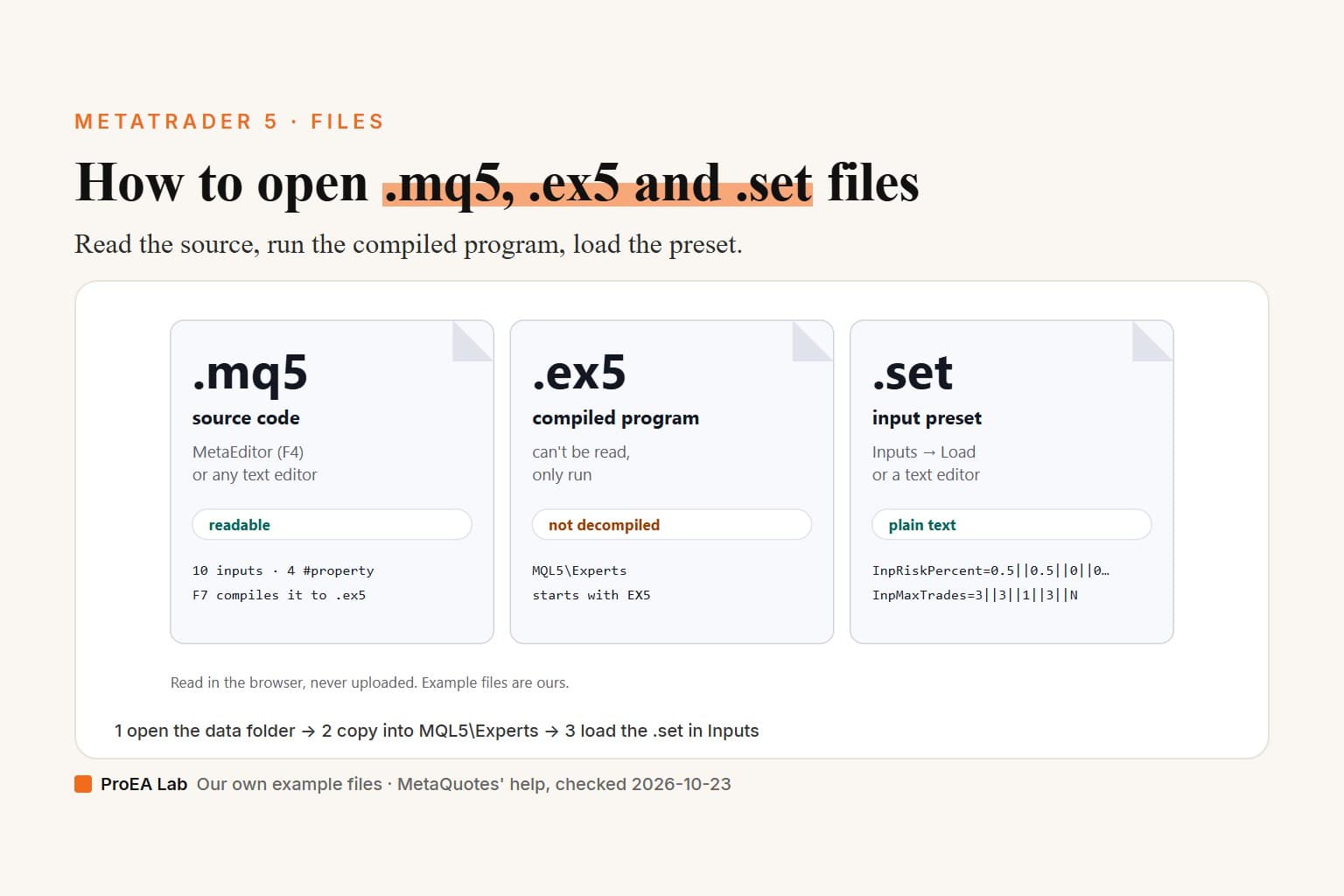
Holding an .ex5, an .mq5 or an EA's .set as well? The MT5 file opener reads those, and how to install an EA on MT5 covers where each file goes.
Frequently asked questions
How do I load a template in MT5?
Right-click the chart and open Templates (it's also in the Charts menu and on the toolbar), then pick the template at the bottom of the menu. To use a .tpl that sits in another folder, choose Load Template and open it from there.
Where are MT5 templates saved?
In MQL5\Profiles\Templates inside the terminal's data folder; File, then Open Data Folder, opens it. MetaQuotes names three templates MT5 treats specially: default.tpl for every new chart, tester.tpl for the Strategy Tester's chart and debug.tpl for charts started from MetaEditor's debugger.
Why are indicators missing after I load a template?
A template stores each indicator's settings and the path to its file, not the indicator itself. A custom indicator only appears if its .ex5 is already in your MQL5 folder at that path; one bought on the MQL5 Market is installed from MT5's Market tab. Built-in indicators always load.
How do I install a .tpl file someone sent me?
Install the custom indicators it needs first. Then either use Templates, Load Template and open the file where you saved it, or copy it into MQL5\Profiles\Templates so it's listed at the bottom of the Templates menu.
Can an MT5 template include an Expert Advisor?
Yes. MetaQuotes lists a running Expert Advisor and its parameters among the things a template stores, so applying it puts that EA on the chart with those inputs. Its .ex5 must be installed too. Check the inputs and the Algo Trading button before you load it on a live account.
How do I change the default template in MT5?
Set a chart up the way you want new charts to look, right-click it, open Templates and choose Save Template, then save it as default, replacing the existing default.tpl. MT5 applies default.tpl to every chart you open after that.