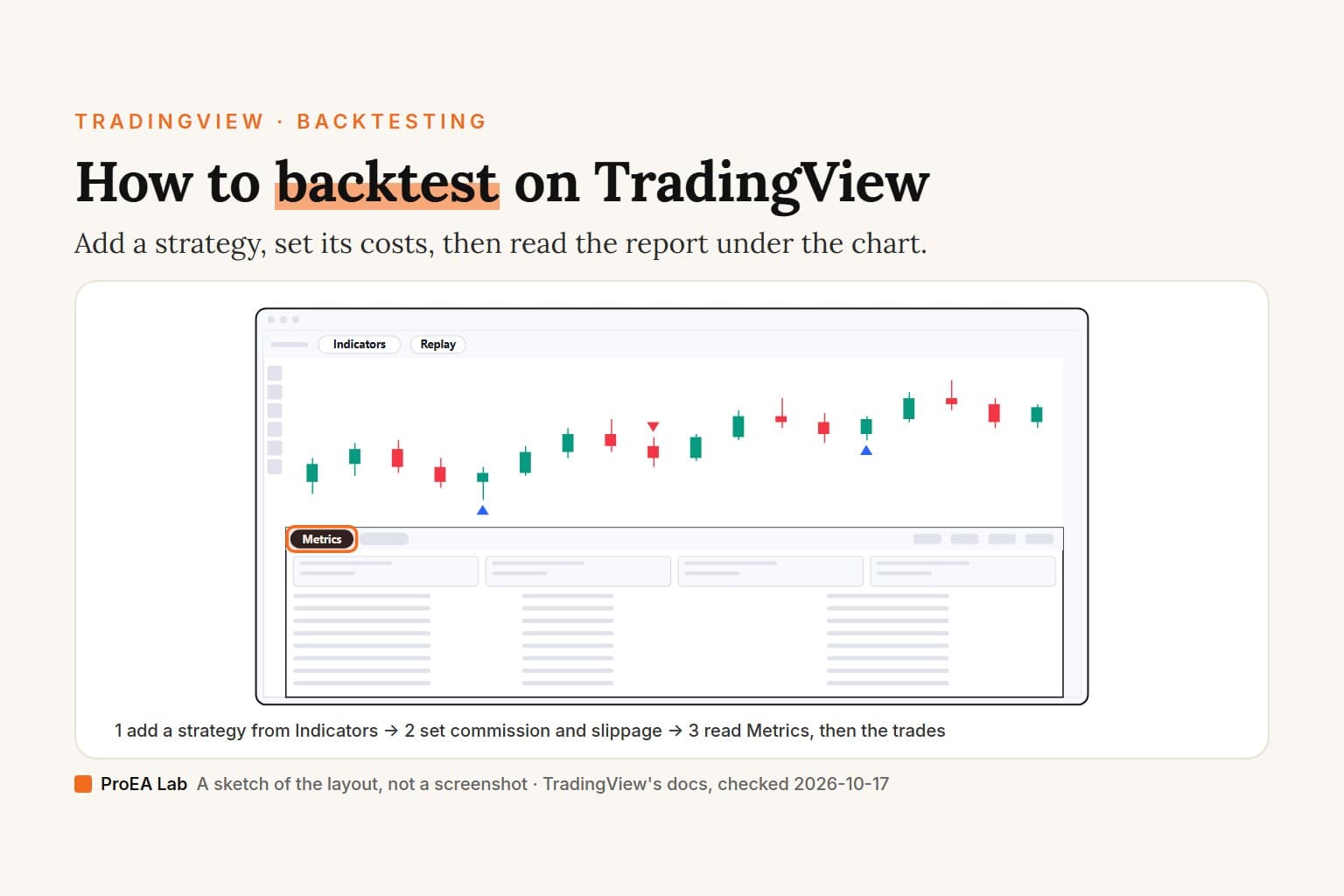
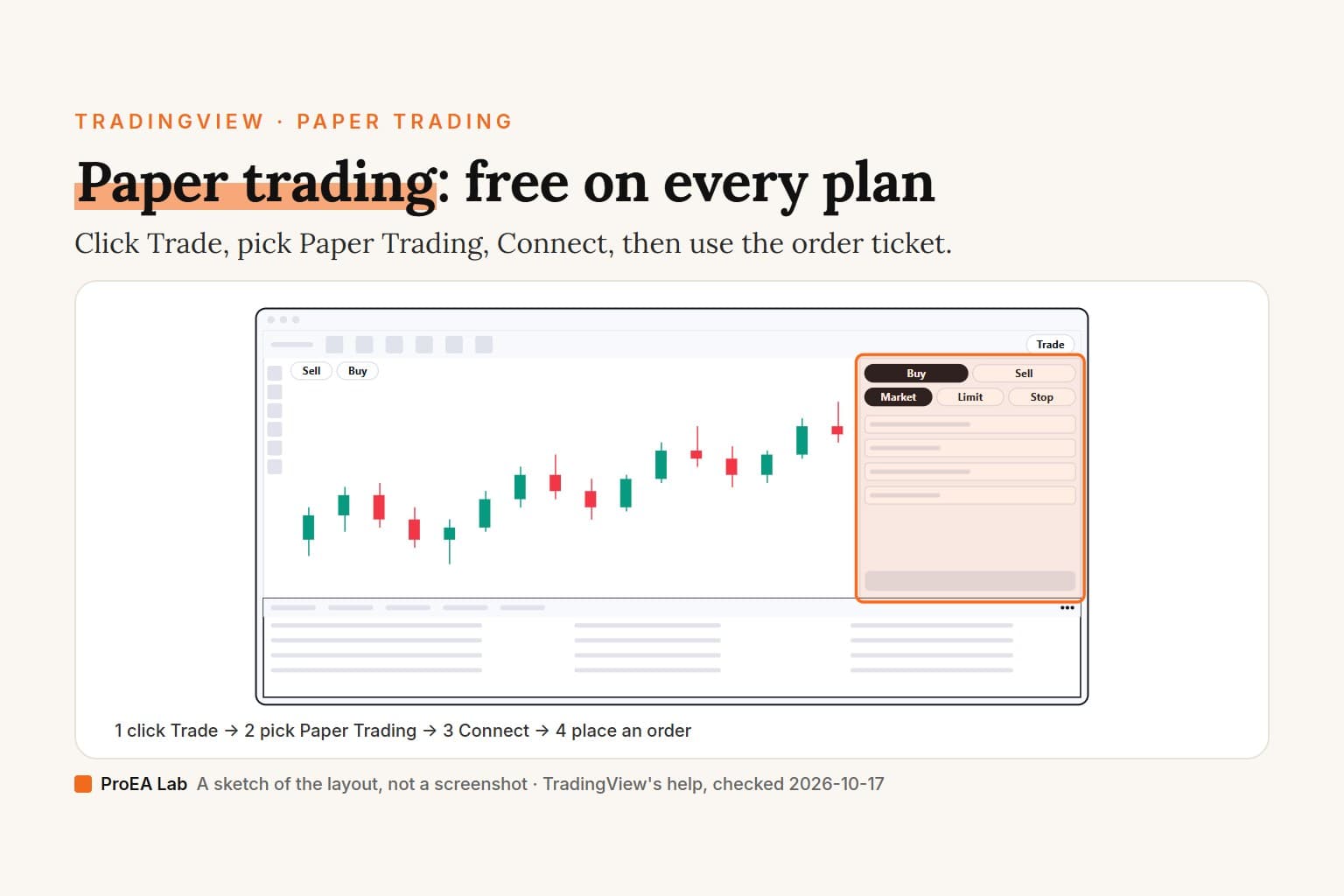
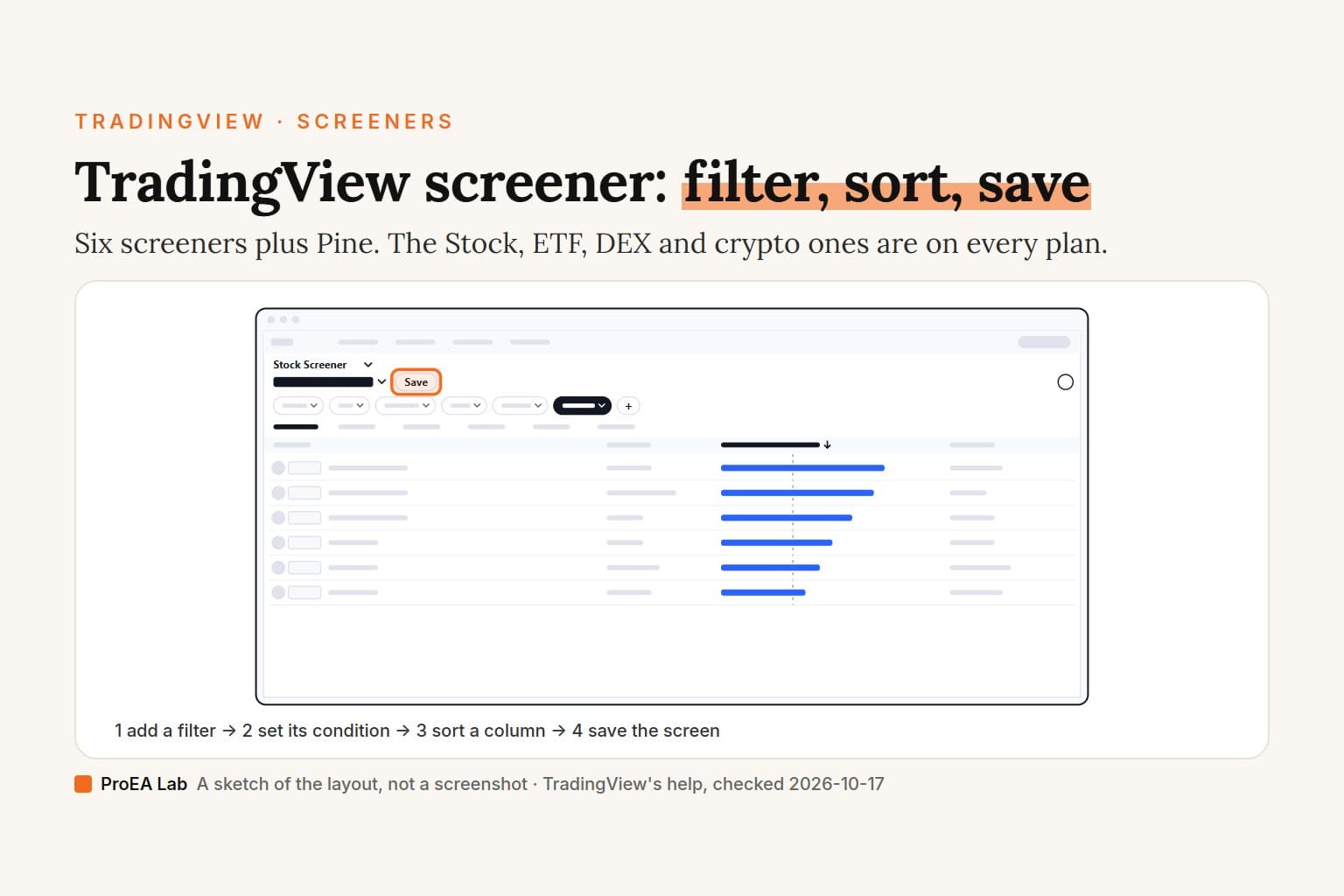
A simulated sketch, not a screenshot: the candles are made up, text is drawn as blank bars, and only the controls this page names are labeled.
Read as text
- 1. Click Replay: the chart's top toolbar.
- 2. Click the bar to start from: later bars disappear.
- 3. Press Play: the replay panel; set the speed if you like.
- 4. Pause, then step forward: Forward, one step a click.
- Jump to real-time chart brings the live bars back. Shift+↓ plays or pauses, Shift+→ steps forward.
How this window was chosen: Control names from TradingView's Bar Replay help, checked 2026-10-17. We didn't sign in, so the replay panel is drawn from the help, not from our screen.
How do I start Bar Replay on TradingView?
Open a chart, click Replay on the top toolbar, pick a start bar, then press Play. TradingView's help calls it the Bar Replay button on "the top panel of the chart". On tradingview.com/chart on 2026-10-17 it read Replay, next to Alert, beside the icon the help describes as "a video rewind button". The steps, from How do I turn Bar Replay on?:
- Click Replay. The replay panel opens and the chart waits for a starting point: hover over it and you see "a blue vertical line with scissors".
- Click the bar to start from. Every later bar disappears. To start from a date instead, open the menu on the panel and choose Select date…; Select the first available day jumps to the oldest bar your plan can replay, and Random bar drops you somewhere at random.
- Press Play. The hidden bars come back in order. You can change the speed before or during playback.
- Pause, then step. Forward moves one step per click: one bar while the replay interval matches the chart's, which is what Auto select interval picks on a single chart. On a keyboard, Shift+↓ plays or pauses and Shift+→ steps forward (TradingView's Bar Replay guide).
- Get out. Jump to real-time chart brings the live bars back. While a replay runs, Go to… picks a new start, and the X on the panel, or Replay again, closes it.
We didn't sign in to run these steps ourselves. Signed out, in a desktop browser on tradingview.com/chart (2026-10-17), clicking Replay opened a box titled Unlock Bar Replay asking us to join for free, so you need at least a free account.
The panel also sets the replay interval, the amount of time each update adds. It's at least 1 minute on intraday and daily charts, and weekly and monthly charts play in one-day steps, according to the interval help. A TradingView blog post from August 2025 adds a 1-second interval for intraday charts on Premium and higher, while the interval help still gives 1 minute as the minimum. The two pages disagree, and without a Premium account we couldn't check which is current.
On a layout with several charts you replay one chart or all of them, and in All charts mode they stay in step. Closing a replay keeps your place too: next time, Continue picks up at the same bar with the same symbols and intervals, Start new begins again (October 2025 post). Chart type and style aren't saved.
Is TradingView Bar Replay free?
Yes on daily, weekly and monthly charts; intraday replay is paid. TradingView's pricing page, read on 2026-10-17, gives every plan, the free Basic one included, all daily-and-higher history in Bar Replay. Minute data starts at Essential. These are the Bar Replay rows of its comparison table:
| Plan | Daily and higher | Minute data | Second data | Tick data | Price |
|---|---|---|---|---|---|
| Basic | All | No | No | No | $0 |
| Essential | All | 180 days | No | No | $12.95 |
| Plus | All | 365 days | No | No | $29.95 |
| Premium | All | All | All | No | $59.95 |
| Ultimate | All | All | All | 7 days | $199.95 |
Prices are per month, billed annually. The same table ticks Indicators Replay and Trading in Bar Replay for all five plans, and neither it nor the help mentions a limit on how many replays you can run.
What the page doesn't settle: Basic's data row says 5K historical bars while the Bar Replay row says All for daily history, and TradingView doesn't explain how the two fit together. It also doesn't say what a Basic chart does if you start a replay on an intraday interval. We didn't sign in to find out.
How far back can Bar Replay go?
On daily and higher charts, as far back as TradingView has data for the symbol. Intraday, it depends on your plan and the interval. The data help page gives Essential 6 months of 1-minute data and Plus 1 year, each multiplied by the interval in minutes:
| Interval | Essential | Plus |
|---|---|---|
| 1 minute | 6 months | 1 year |
| 2 minutes | 12 months | 2 years |
| 3 minutes | 18 months | 3 years |
| 5 minutes | 30 months | 5 years |
| 15 minutes | 90 months | 15 years |
Premium and the professional plans (Expert and Ultimate) replay all the intraday data TradingView stores. TradingView stores seconds data from August 2022, and Ultimate also replays tick data for the last 7 days. The help's own example is Apple: daily bars from December 12, 1980, 1-minute bars from January 3, 2000. Continuous futures such as ES1! have limits of their own, listed on the same page.
To see where your replay can start, open the panel's menu, choose Select date…, then Select the first available day. A start older than your data jumps to the first bar available.
The help also gives a way to reach old intraday bars: pick the start on the daily chart, then switch to a lower interval and press Play. If that interval has no data at that date, "Data point unavailable" appears in the chart's bottom-left corner and the interval doesn't change.
Older TradingView posts quote smaller numbers, so an older guide may too: Premium went from 6 weeks to 6 months of 1-minute data in February 2023, and Plus got the same 6 months in October 2024. Today's help page and pricing page agree with the table above.
Can you use Bar Replay on the TradingView app?
TradingView's help shows the mobile apps have a replay panel but gives no steps to open it, and we haven't tested the apps. Its one mobile page is about the replay interval: the interval sits on the replay panel to the right of the speed, and tapping it opens the list. The minimums match the computer's.
In our emulated phone-size check, Replay was on the same top toolbar, just off the screen. We loaded tradingview.com/chart with an iPhone's screen size in an emulator on 2026-10-17. The top toolbar is a strip you swipe sideways, Replay sat past its right edge, and tapping it, signed out, opened the same join-for-free box as on a computer. With an iPad's screen size the Replay button was in view without swiping. Neither check was on a physical device.
Can you trade during Bar Replay?
Yes. Replay Trading is its own mode, separate from Paper Trading, and the pricing page ticks it for Basic too. From TradingView's help on trading historical data:
- Click Replay Trading and start the replay. Before you press Play, set the starting capital, base currency and commission in the Replay Trading panel.
- Trade with the Buy and Sell buttons at the top left of the chart, the plus menu, or the Order Ticket under Trade. You can open positions and place limit, stop and stop-limit orders. The default size is 1 unit, or 1000 units on forex.
- Drag the TP and SL handles on the chart to bracket a position.
- The panel's tabs show Overview, Performance, Trades analysis, Risk/performance ratios and List of trades, and Performance and List of trades can be exported.
The catch, in the help's words: "Data on trades and the overall result are available only in the session itself, and they are not saved anywhere." Export the list or copy each trade into your journal before you leave. TradingView doesn't say whether the export works on Basic, and we haven't tried it.
Paper Trading is the other trap: an order placed there, or with a broker, while a chart is in replay fills at live prices, not replayed ones. If the execution arrows crowd the chart, Settings, then the Trading tab, turns off Executions and Execution Labels (help).
Why is Bar Replay not working?
Usually it's the chart type or the symbol. These are the causes TradingView documents:
- You click Replay and no panel appears. Bar Replay doesn't run on spreads (a formula of symbols), on Renko, Kagi, Point & Figure, Range, Line Break, Volume footprint or Time Price Opportunity charts, or on a chart converted to a non-default currency (help). Switch back to candles in the symbol's own currency. Heikin Ashi has worked since August 2025.
- The chart is tick-based. Two of the help pages say Bar Replay doesn't work on tick-based charts, while the data page and the pricing page give Ultimate 7 days of tick replay. The pages disagree; below Ultimate, the pricing page gives no tick data at all.
- "Data point unavailable". You switched to a lower interval at a date with no data on your plan, or none in TradingView's storage. Move the start closer with Select the first available day.
- A message that replay isn't available for the symbol. TradingView showed one on continuous futures (1! and 2!) until January 2022, when they became replayable. We found no current help page that quotes the message, so go back to the cases in point 1.
- You're signed out. Replay opens a join-for-free box instead of the panel (our signed-out check in a desktop browser, 2026-10-17).
- A tool goes quiet. Regression Trend and Fixed Range Volume Profile don't work during replay. Server-side alerts keep firing on live data, and you can't create new ones until you exit.
TradingView's help doesn't describe a greyed-out Replay button. If yours looks disabled, the nearest documented case is point 1.
How do you backtest manually with Bar Replay?
Bar Replay tests the calls you make by eye, so it's the tool for a setup you can't code yet. We'd hold a replay test to four rules:
- Hide the future, including the bit in your head. Write the setup's rules down before you press Play. Use Random bar, or a symbol and a year you haven't studied, so you aren't trading a chart you remember.
- Log every trade, the dull ones too. Entry, stop, exit and whether you followed the rules, in the free trading journal template or any sheet with columns. Replay won't keep them for you.
- Count R, not money. Divide each result by the risk you set at entry. Replay's default size of 1 unit, or 1000 on forex, makes dollar results hard to compare across symbols (how R works).
- Take enough trades before you judge. After 30 trades, an observed 50% win rate still fits a true rate anywhere from 33.2% to 66.8% (how many trades to test a strategy). Pick the review point before you start.
A coded strategy belongs in the strategy report (formerly the Strategy Tester), which has a limit of its own. On our free Basic account it tests only the bars loaded on the chart: in our checks, 1-hour history back to 2026-01-01, 4-hour to 2024-01-01 and 15-minute to 2026-08-01. Deep Backtesting is ticked only for Premium and Ultimate on the pricing page. Bar Replay itself runs on your normal chart, indicators and all, and Basic allows 2 indicators per chart (the limits by plan).
Where we stand
We sell Pine Script indicators, and replaying one is a fair way to see what it draws bar by bar before you trust it. TradingView's help says that in Bar Replay indicators "can process replayed data for calculations". We haven't run our Pine v6 tools through Bar Replay, and watching any indicator replay shows you its behavior, not whether it has an edge. We aren't affiliated with TradingView.
Use this animation on your site.
Frequently asked questions
How do I use Bar Replay on TradingView?
Click Replay on the chart's top toolbar, click the bar you want to start from, then press Play, or move forward one step at a time with Forward. Shift+Down plays or pauses and Shift+Right steps. Jump to real-time chart brings the live bars back.
Is TradingView Bar Replay free?
On daily, weekly and monthly charts, yes. TradingView's pricing page gives the free Basic plan all daily-and-higher history in Bar Replay, with indicators and replay trading, but no minute, second or tick data. You need a free account: signed out on tradingview.com, the Replay button asks you to join.
Can you use Bar Replay on intraday charts for free?
No. The pricing page marks minute data in Bar Replay as not included on Basic. Essential replays 180 days of 1-minute data, Plus 365 days, and Premium and Ultimate all the intraday data TradingView stores.
How far back can TradingView Bar Replay go?
On daily and higher charts, as far back as TradingView has data for the symbol. Intraday it depends on the plan and the interval: Essential gets 6 months of 1-minute or 30 months of 5-minute data, Plus 1 year or 5 years. Select the first available day shows where your replay can start.
Can you use Bar Replay on the TradingView app?
TradingView's help describes a replay panel in its mobile apps, where you tap the interval to change it, but no steps for opening it, and we haven't tested the apps. In a phone's browser, in our emulated check, Replay was on the chart's top toolbar, which you swipe sideways to reach.
Why is Bar Replay not working?
Usually the chart: Bar Replay doesn't run on spreads, Renko, Kagi, Point & Figure, Range, Line Break, Volume footprint, Time Price Opportunity or charts converted to another currency, and below Ultimate it has no tick data. Data point unavailable means there is no data that far back on the lower interval you picked.
Can you trade in Bar Replay?
Yes, in Replay Trading, a mode separate from Paper Trading and ticked on every plan. You set the starting capital and commission, then place orders on the replayed bars. The trades are kept only for that session, so export or write them down before you leave.