The TradingView plan you need is the cheapest one that has every feature you'll use. The five plans differ mostly in limits: Basic (free) allows 2 indicators per chart, Essential 5, Plus 10, Premium 25, Ultimate 50; webhooks start at Essential, seconds charts at Plus, Deep Backtesting and the Pine Screener at Premium, tick charts at Ultimate. The picker above reads TradingView's pricing page row by row, as we read it on 2026-10-29. Pine Script, the 400+ built-in indicators, paper trading and the desktop app come with every plan, Basic included.
A simulated schematic, not a screenshot of TradingView's page. The needs are an example; the picker above takes yours.
Read as text
- 1. 3 indicators on a chart: Essential and up.
- 2. Webhook alerts: Essential and up.
- 3. Seconds charts: Plus and up.
- 4. Deep Backtesting: Premium and up.
- 5. Cheapest that does it: Premium, $59.95 a month yearly.
- An example, not advice. Tick your own needs in the picker above.
How this window was chosen: Every plan fact from TradingView's pricing page, read 2026-10-29; prices are per month, billed yearly. The four needs are an example.
What does each TradingView plan add?
Each plan adds limits and a few tools on top of the one before. From the pricing page on 2026-10-29, prices per month billed yearly (billed monthly in brackets):
| Plan | Price | What it adds |
|---|---|---|
| Basic | $0 | 2 indicators per chart, 1 chart per tab, 3 price alerts, Bar Replay on daily and higher charts |
| Essential | $12.95 ($14.95) | 5 indicators, 2 charts per tab, 20 price and 20 technical alerts, webhooks, intraday Bar Replay (180 days of minute data), custom timeframes, Volume Profile, no ads |
| Plus | $29.95 ($34.95) | 10 indicators, 4 charts, 100 alerts of each kind, seconds charts, chart data download, multi-condition alerts, 365 days of minute replay |
| Premium | $59.95 ($69.95) | 25 indicators, 8 charts, 400 alerts, alerts that don't expire, Deep Backtesting, the Pine Screener, volume footprint, TPO, Bar Replay on all intraday data and seconds |
| Ultimate | $199.95 ($239.95) | 50 indicators, 16 charts, 1,000 alerts, tick charts, 7 days of tick replay, the Bond Screener, 500 AI Screener prompts |
The full table, with every row we used, is in the picker: open "More features" for the rest.
Which TradingView plan has the feature you need?
One line per feature people ask about, each from the pricing page on 2026-10-29.
- More indicators per chart: 2 on Basic, 5 on Essential, 10 on Plus, 25 on Premium, 50 on Ultimate. Several indicators written into one Pine script take one slot.
- Several charts in one tab: 1, 2, 4, 8 and 16, Basic to Ultimate.
- Webhooks: Essential and up. Our webhook guide covers the setup.
- Alerts on indicators and strategies: none on Basic; 20, 100, 400 and 1,000 from Essential up. Price alerts: 3 on Basic, then the same steps. Alerts that never expire start at Premium; Basic's last a month, Essential's and Plus's two.
- Intraday Bar Replay: Essential and up, 180 days of minute data on Essential and 365 on Plus, all of it on Premium. Seconds replay starts at Premium, ticks (7 days) at Ultimate.
- Seconds charts (30 seconds, say): Plus and up. Tick charts: Ultimate.
- Deep Backtesting: Premium and up.
- Download chart data: Plus and up.
- Volume Profile indicators: Essential and up (our Volume Profile guide); volume footprint and TPO start at Premium.
- The Pine Screener: Premium and up. Since October 23, 2026 it runs scripts with up to 40
request.*()calls; count yours. - AI Screener prompts you type: 100 a month on Essential, 150 on Plus, 250 on Premium, 500 on Ultimate; Basic gets the ready-made ones. How the AI Screener works.
- Bigger watchlists: 30 symbols in one list on Basic, 1,000 on every paid plan (our watchlist guide).
- Publishing invite-only scripts: Premium and up; protected scripts, Essential and up. What changed for selling scripts on October 27, 2026 is in our Marketplace guide.
Which TradingView plan has real-time data?
None, for most stock and futures exchanges: their real-time feeds are bought on top of a plan. TradingView's market data help: "Most of the stock and futures exchanges we support charge fees for their real-time data. Currently, our paid plans don't cover those fees even if you have an active TradingView subscription." The same page: "all the cryptocurrency exchanges presented on TradingView provide real-time data", and US stocks come from Cboe by default, "slightly different from that of the primary exchanges".
What the plan decides is how many feeds you can buy. The pricing page's "Maximum market data subscriptions allowed" row: none on Basic, 2 on Essential, 4 on Plus, 6 on Premium, unlimited on Ultimate. To buy one, the help gives: your avatar → Settings and billing → Subscriptions → Explore now under Real-time market data.
Monthly or yearly billing?
The pricing page gives two prices for each paid plan, billed monthly or billed yearly. As it showed them on 2026-10-29:
| Plan | Billed monthly | Billed yearly, per month | Yearly total |
|---|---|---|---|
| Essential | $14.95 | $12.95 | $155.40 |
| Plus | $34.95 | $29.95 | $359.40 |
| Premium | $69.95 | $59.95 | $719.40 |
| Ultimate | $239.95 | $199.95 | $2,399.40 |
The pricing page puts Essential's full annual price at $155.40 and twelve monthly payments at $179.40; on Ultimate, $2,399.40 and $2,879.40. If you aren't sure which plan you need yet, a month at the monthly price is the cheaper way to find out.
What's the same on every plan?
The charts, Pine Script, the built-in and community indicators, paper trading and the apps. The pricing page ticks all of these for Basic too: Pine Script, "400+ pre-built most popular indicators", "100K+ community-powered indicators", simulated (paper) trading, trading through selected brokers, the stock, ETF, DEX and crypto screeners, the mobile apps and the desktop app. So a plan won't make a script work that doesn't work on Basic, and the free plan is a fair place to learn the platform before you pay.
Hit a limit already and not sure which one? TradingView limit reached takes the message you see (connection closed, the 5,000-bar stop, the alert limit) and gives what it counts, the free fix, and the plan that lifts it.
Use itPay for the limit you hit every day, not the feature list: most traders upgrade over indicators per chart, alerts or intraday replay.
Watch outTradingView changes its plans and prices. The picker's rows are dated; read the pricing page before you pay.
The deep version, as a PDF
TradingView Power-User Guide
The plan you actually need, Pine without the pain, alerts that fire, and backtests you can trust.
- Every plan's limits on one page, which plan each kind of trader needs, and how to fit more on the one you have
- Original research: two strategies, three Strategy Tester settings and two fill-order assumptions on a year of gold and Bitcoin, and how far each result moved
- Alerts and webhooks that fire when they should, with the full why-it-didn't checklist and a JSON template
One payment, instant download. Refund within 7 days if you haven't downloaded it.
Where we stand
On 2026-10-29 we read TradingView's pricing page, signed out, row by row, and its market data help; the picker holds those rows and nothing else. Our own TradingView account is on the free Basic plan, so the paid features are TradingView's descriptions, not things we tested on each plan. Prices are TradingView's in US dollars; other currencies and regional prices differ.
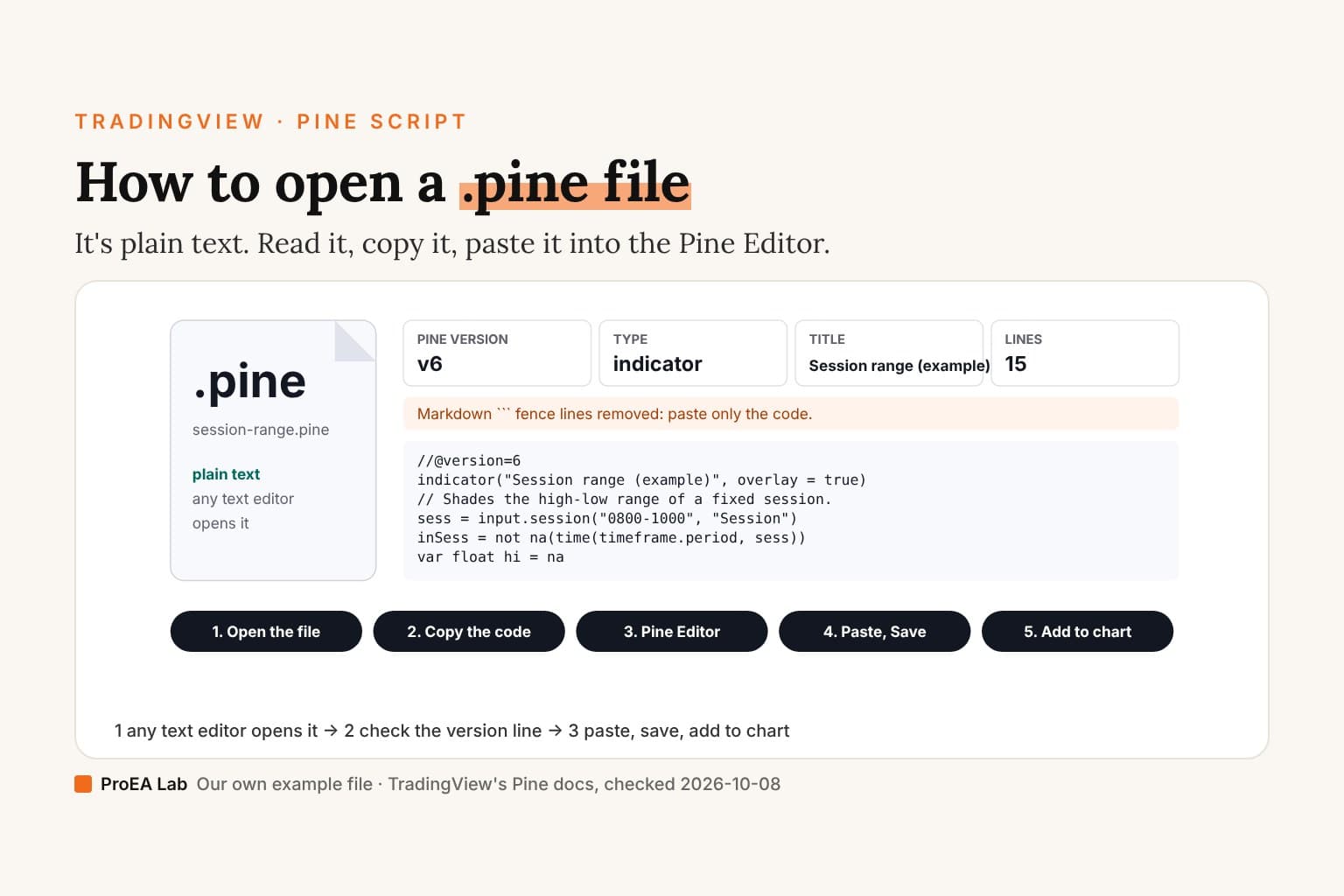
We make Pine indicators: each tool in our Pine v6 stack is a .pine file you paste into the Pine Editor, and it runs on every plan. TradingView doesn't endorse us. We're in its partner program, so our links to TradingView are partner links: if you open a new account through one and buy a plan, TradingView may pay us, at no cost to you.
Use this animation on your site.
Frequently asked questions
Which TradingView plan do I need?
The cheapest one that has every feature you'd use. On TradingView's pricing page, read 2026-10-29: Basic (free) allows 2 indicators per chart, 1 chart per tab and 3 price alerts; Essential adds webhooks, intraday Bar Replay and custom timeframes; Plus adds seconds charts and chart data downloads; Premium adds Deep Backtesting, the Pine Screener and alerts that don't expire; Ultimate adds tick charts and the Bond Screener.
Which TradingView plan has real-time data?
None includes it for most stock and futures exchanges. TradingView's help says those exchanges charge for real-time data and its paid plans don't cover the fees; you buy each feed on top of a plan. The pricing page allows 2 such subscriptions on Essential, 4 on Plus, 6 on Premium and unlimited on Ultimate, and none on Basic. TradingView's help adds that "all the cryptocurrency exchanges presented on TradingView provide real-time data".
Which TradingView plan allows webhooks?
Essential and every plan above it. The pricing page crosses out webhook notifications on Basic only.
Which TradingView plan has seconds charts?
Plus and up. The pricing page ticks second-based intervals, such as a 30-second chart, for Plus, Premium and Ultimate. Bar Replay on seconds data starts one plan higher, at Premium.
Which TradingView plan has Deep Backtesting?
Premium and Ultimate. Basic gets the basic report metrics; Essential and Plus add the advanced metrics and exporting a backtest's trades to CSV, but not Deep Backtesting.
Which TradingView plan is best for beginners?
Start on free Basic and upgrade when you hit a limit you feel every day: most often the 2 indicators per chart, the 3 price alerts or Bar Replay on daily charts only. Essential, $12.95 a month billed yearly, lifts all three.
Is TradingView Plus worth it over Essential?
If you need what only Plus adds: seconds charts, downloading chart data, multi-condition alerts, 10 indicators per chart instead of 5, 4 charts per tab instead of 2, or 100 price and technical alerts instead of 20. It costs $29.95 a month billed yearly against Essential's $12.95.